MaiPDF vs Smallpdf
Smallpdf edits and converts PDFs. MaiPDF tracks and controls PDF access. They solve different problems — here's how to choose.
8 min read March 23, 2026 Comparison
Smallpdf edits and converts PDFs. MaiPDF tracks and controls PDF access. They solve different problems — here's how to choose.
8 min read March 23, 2026 Comparison
Comparing MaiPDF and Smallpdf is like comparing a camera to a safe — one creates content, the other protects it. Smallpdf helps you create and modify PDF documents. MaiPDF helps you share and protect them. They're not substitutes — they're complementary tools for different stages of your workflow.
Side-by-Side
Unique to MaiPDF
Know exactly when someone opens your PDF, how many times, and from what device.
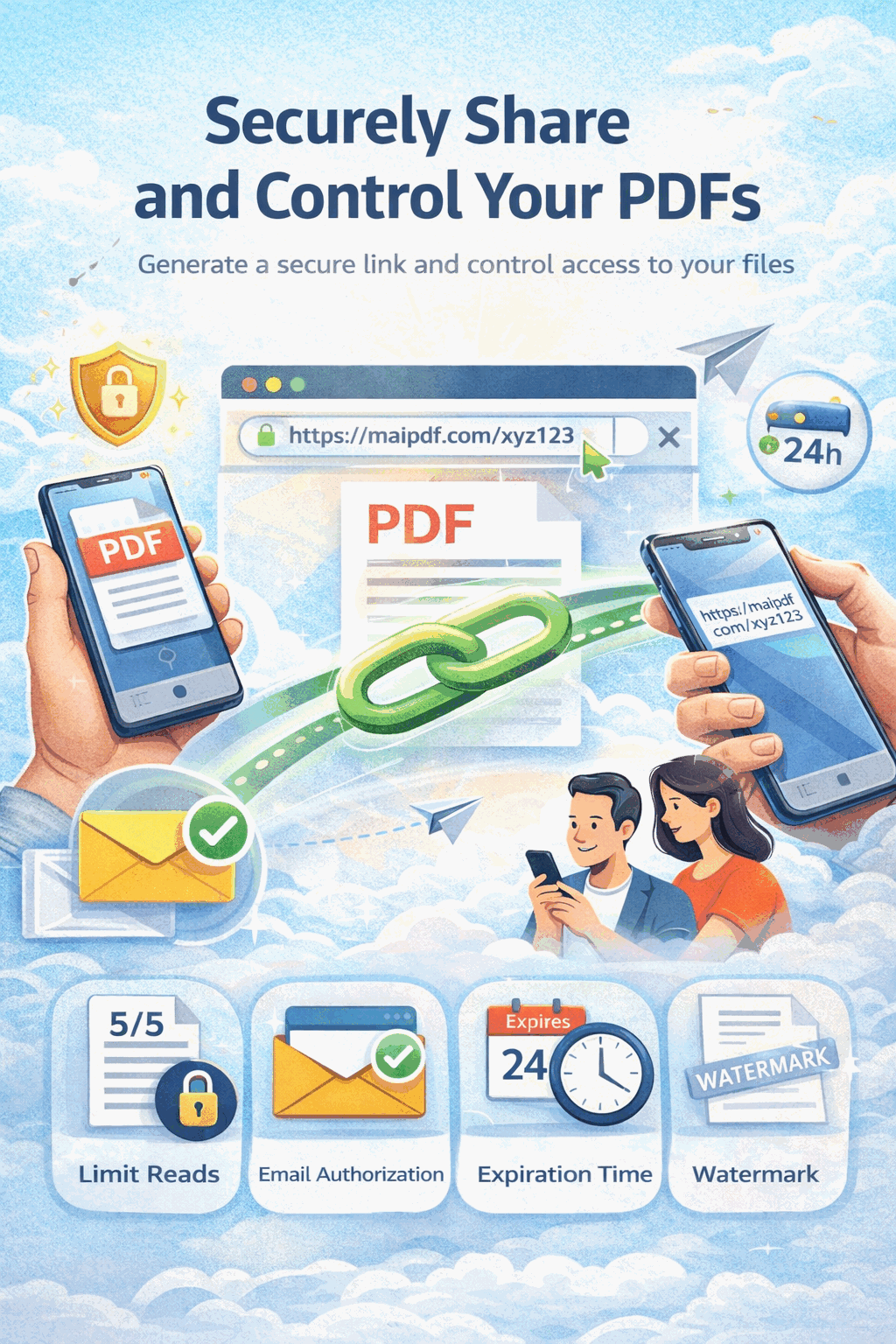
Set exactly how many times a PDF can be viewed — from 1 to 10,000 — then the link auto-disables.
Overlay the viewer's email or IP on every page. If it leaks, you know who did it.
Require a one-time email code before viewing. Confirm the recipient's identity.
Links automatically expire on the date you set — no manual cleanup needed.
View timestamps, locations, devices, and open counts in a real-time dashboard.
Swap the PDF behind an existing link. Recipients always see the latest version.
Get instant Telegram notifications the moment someone opens your document.
Decision Guide
Edit your PDF with Smallpdf (compress, merge, convert) → then upload to MaiPDF to share it securely with tracking, view limits, watermarks, and expiration. Many professionals use both at different stages.
FAQ
Related Reading
Complete guide to view limits, expiration dates, and access restrictions.
Everything you need to know about uploading and distributing PDFs via links.
Edit your PDF with whatever tool you prefer. Then share it securely with MaiPDF — free tracked links, view limits, watermarks, and QR codes.
Updated MaiPDF protection path
SendPDFOnline pages now describe MaiPDF as a two-level product family: Online Cloud Sharing creates quick browser links and QR codes, while the MaiPDF App creates protected .maipdf packages for sensitive PDFs that need App DRM controls.
Upload a PDF, share a browser link or QR code, and keep read code / modify code management.
Package the PDF in the MaiPDF App with local encryption, license rules, expiry, open limits, and revoke control.
Use protected viewer, device binding, screenshot-aware controls, watermark trace, and license management where supported.
No web page can fully stop screenshots. MaiPDF App DRM is positioned as the stronger path: reduce casual copying, bind access to identity/devices, revoke licenses, and trace leaks with visible watermark information.