Sensitive Documents Security Guide
Use layered controls so sensitive PDFs stay visible only to the right people, for the right time. Identity, session, document, and lifecycle—four layers you can combine.
Protect Documents Investor Updates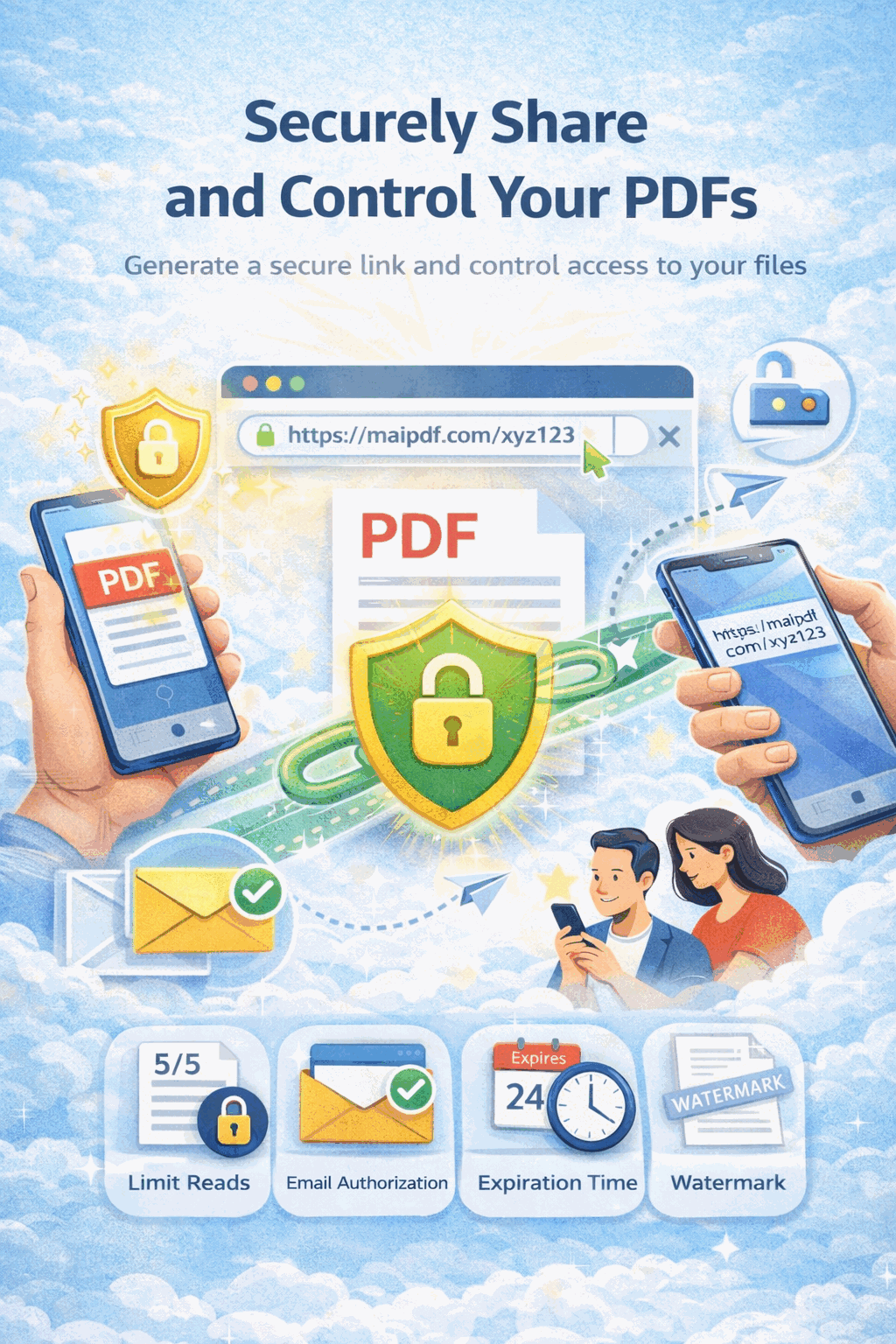
Use layered controls so sensitive PDFs stay visible only to the right people, for the right time. Identity, session, document, and lifecycle—four layers you can combine.
Protect Documents Investor UpdatesArticle
A single control can be shared or leaked. Layering identity checks, view limits, watermarks, and expiry reduces the chance that the wrong person keeps access or that the link stays valid forever. You also get a clear audit trail of who opened the file.
Framework
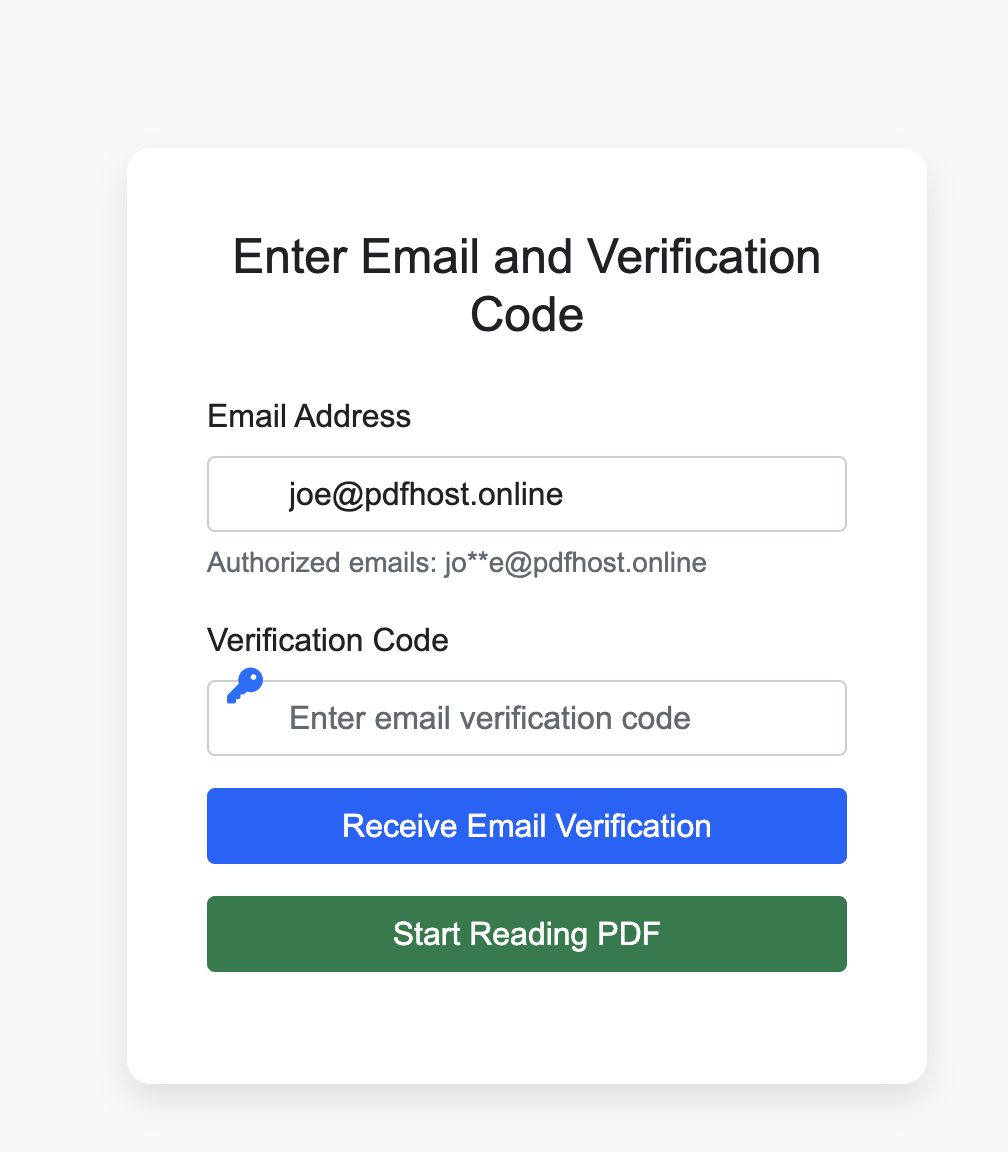
Email verification before reading. Only known recipients open the file.
Set view count and session length.
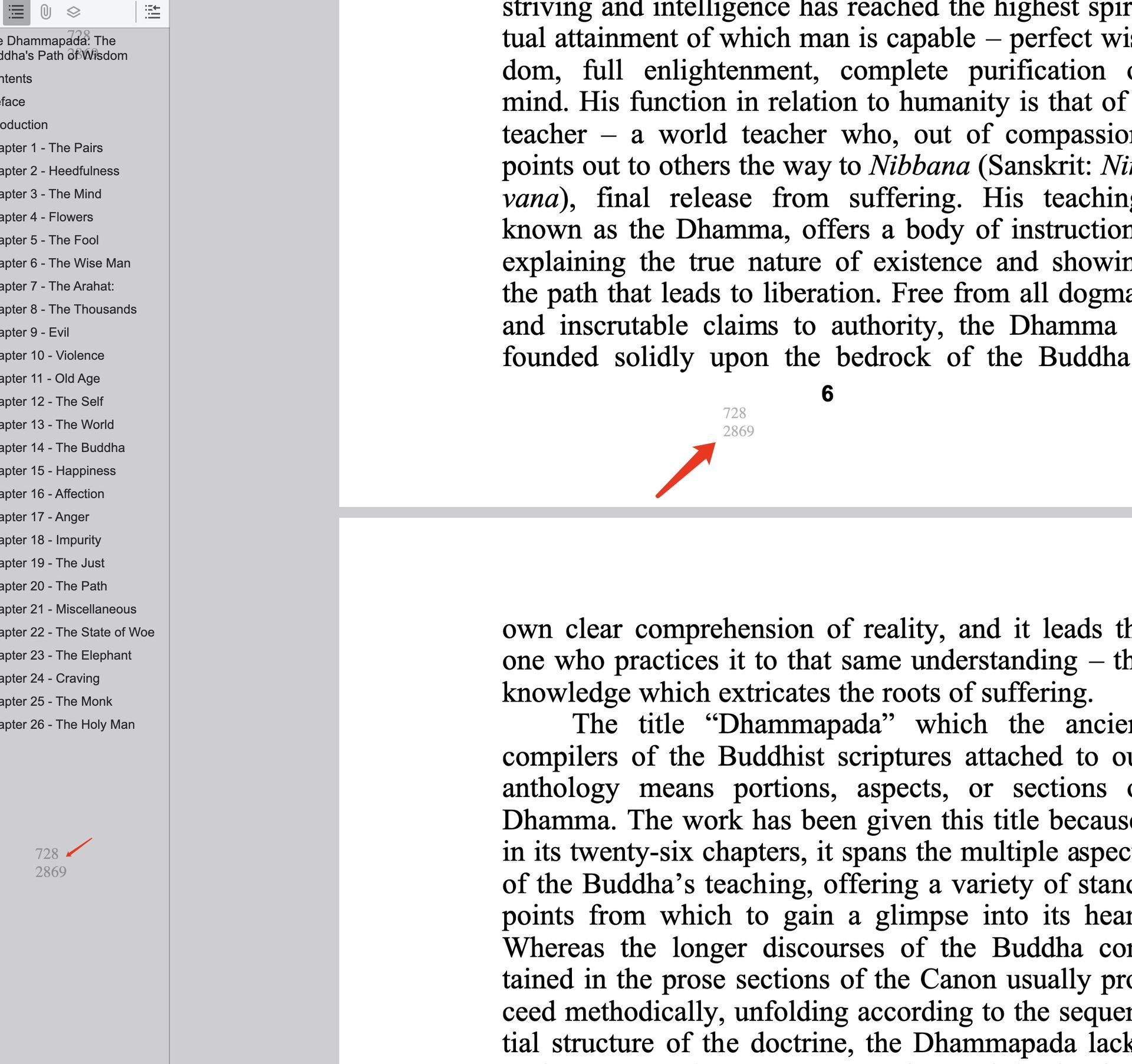
Add dynamic watermark and no-download.
Set expiry and revoke old links.
Examples
Recipients may need to enter their email before the PDF loads. Once they open it, the dynamic watermark can show their identity on the page.
Checklist
FAQ
Start with identity: enable email verification. Then add view limits and expiry, and use watermark on high-risk files.
Yes. You can tighten view limits or disable the link. Use Access Records to see who already opened before revoking.
Read more
Secure investor documents.
Cap opens and expiry.
Full control and tracking.
Recovery and revoke.
Updated MaiPDF protection path
SendPDFOnline pages now describe MaiPDF as a two-level product family: Online Cloud Sharing creates quick browser links and QR codes, while the MaiPDF App creates protected .maipdf packages for sensitive PDFs that need App DRM controls.
Upload a PDF, share a browser link or QR code, and keep read code / modify code management.
Package the PDF in the MaiPDF App with local encryption, license rules, expiry, open limits, and revoke control.
Use protected viewer, device binding, screenshot-aware controls, watermark trace, and license management where supported.
No web page can fully stop screenshots. MaiPDF App DRM is positioned as the stronger path: reduce casual copying, bind access to identity/devices, revoke licenses, and trace leaks with visible watermark information.
Free. No sign-up required.
Protect Documents