Design Work Protection
Protect creative assets with dynamic watermarks, view-only access, and usage analytics. Share design work with clients without risking unauthorized use.
6 min read March 23, 2026 Security
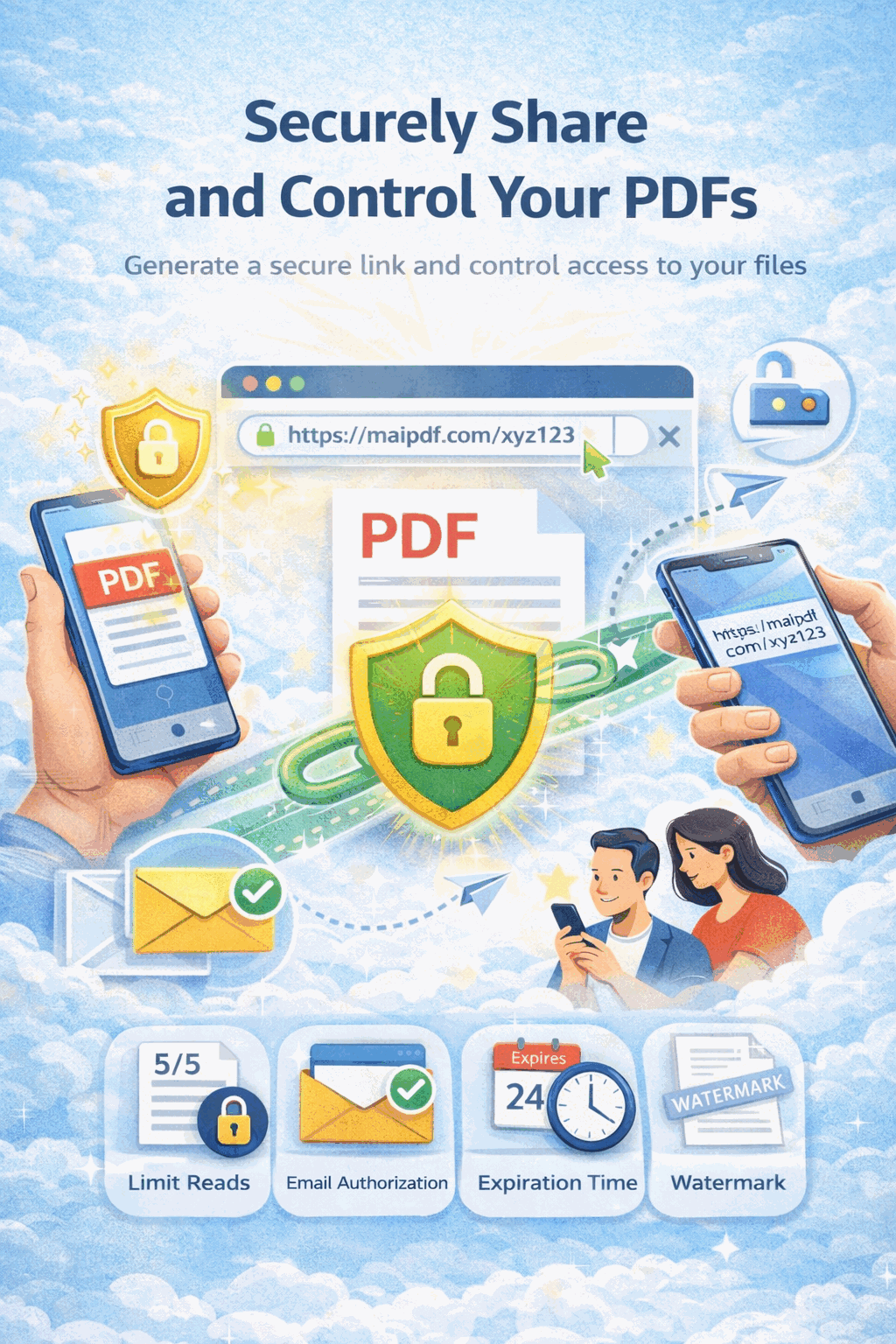
Protect creative assets with dynamic watermarks, view-only access, and usage analytics. Share design work with clients without risking unauthorized use.
6 min read March 23, 2026 Security
In the digital age, sharing design work with clients is essential — but it opens the door to unauthorized use, forwarding, and theft. Whether you're presenting brand identity concepts, architectural floor plans, or product renderings, you need a way to share your creative assets while retaining full control. MaiPDF gives designers the tools to protect their work with viewer-specific watermarks, no-download restrictions, and real-time engagement tracking.
Upload your design file — brand presentations, architectural plans, product specs, or any creative asset — to MaiPDF.

Turn on dynamic watermarks, disable downloads and printing, set expiration dates, and add password protection.

Send the protected link or QR code to your client. Every view is tracked, watermarked, and time-limited.

Each viewer sees a unique watermark with their email, name, or IP address — making it easy to trace any leak back to its source.
Clients can view your designs in the browser but cannot download, print, or save local copies — keeping your originals safe.
Completely disable file downloads and browser printing. Perfect for sharing drafts, concepts, and proposals before final approval.
Track total views, unique viewers, time spent per page, geographic location, and device type in real time.
Set automatic expiration on shared links so clients can only access your work within a defined timeframe.
Add a password requirement so only authorized recipients can open your design documents.
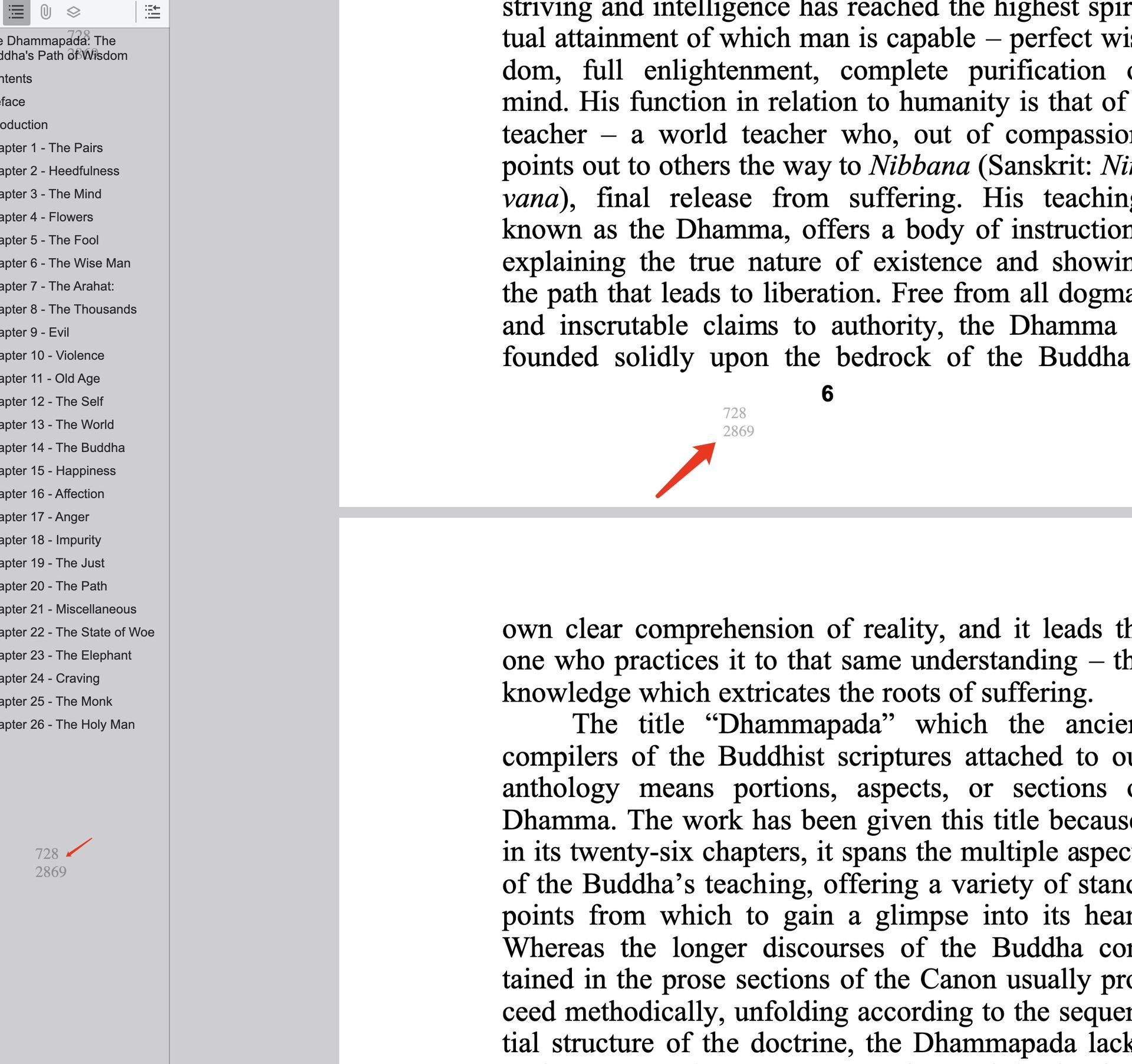
Watermark Preview
Each viewer sees their own identifying information overlaid on every page, discouraging screenshots and unauthorized sharing.
Protect brand identity packages, logo presentations, and marketing collateral. Use subtle watermarks and view-only access so clients can review concepts without downloading source files. Track which designs generate the most interest.
Secure 3D renderings, technical drawings, and product specifications. Prevent competitors from accessing proprietary manufacturing details while sharing progress with stakeholders and investors.
Protect floor plans, construction documents, and elevation drawings. Control access to detailed project information and ensure only authorized contractors and clients can view sensitive building specifications.
Complete guide to adding watermarks to your PDF documents for security and branding.
Learn how to track views, engagement, and usage of your shared PDF documents.
Strategies to stop unauthorized forwarding and sharing of sensitive PDF files.
Set view limits, expiration dates, and passwords to control who can access your PDFs.
Upload your first design PDF and share it with dynamic watermarks, view-only access, and real-time analytics — free to start.
Updated MaiPDF protection path
SendPDFOnline pages now describe MaiPDF as a two-level product family: Online Cloud Sharing creates quick browser links and QR codes, while the MaiPDF App creates protected .maipdf packages for sensitive PDFs that need App DRM controls.
Upload a PDF, share a browser link or QR code, and keep read code / modify code management.
Package the PDF in the MaiPDF App with local encryption, license rules, expiry, open limits, and revoke control.
Use protected viewer, device binding, screenshot-aware controls, watermark trace, and license management where supported.
No web page can fully stop screenshots. MaiPDF App DRM is positioned as the stronger path: reduce casual copying, bind access to identity/devices, revoke licenses, and trace leaks with visible watermark information.