Why QR works for image sets
QR codes remove the friction of typing long URLs. Readers scan, land on a gallery, and browse in a single flow.
Because MaiImg generates a link-based preview, your QR can support updates: revoke access when you are done.
Print ready
Use posters, flyers, event signage, or table cards. Readers do not need an app install.
Track engagement
View activity helps you understand when scans are high and when to follow up.
QR output visuals
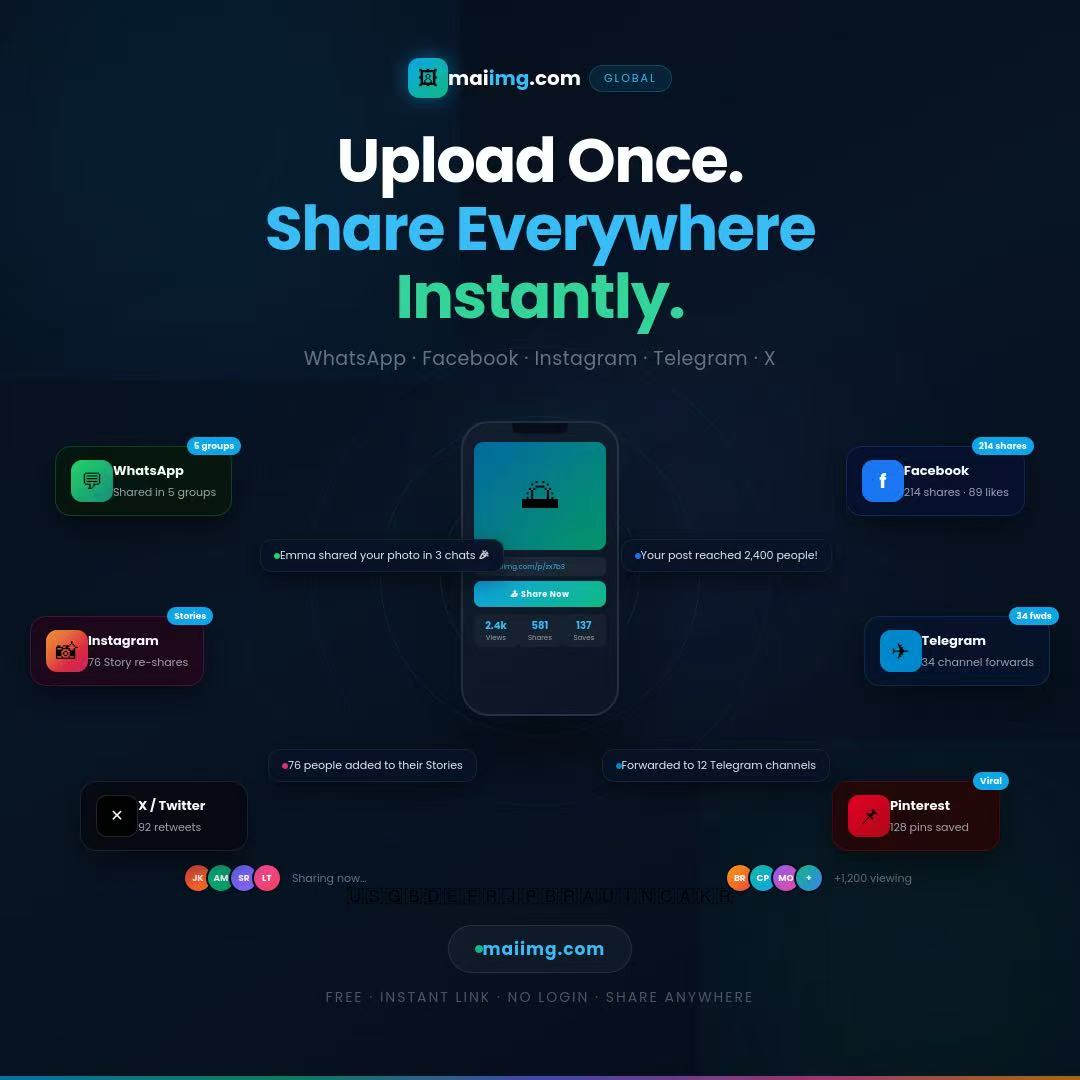
Upload
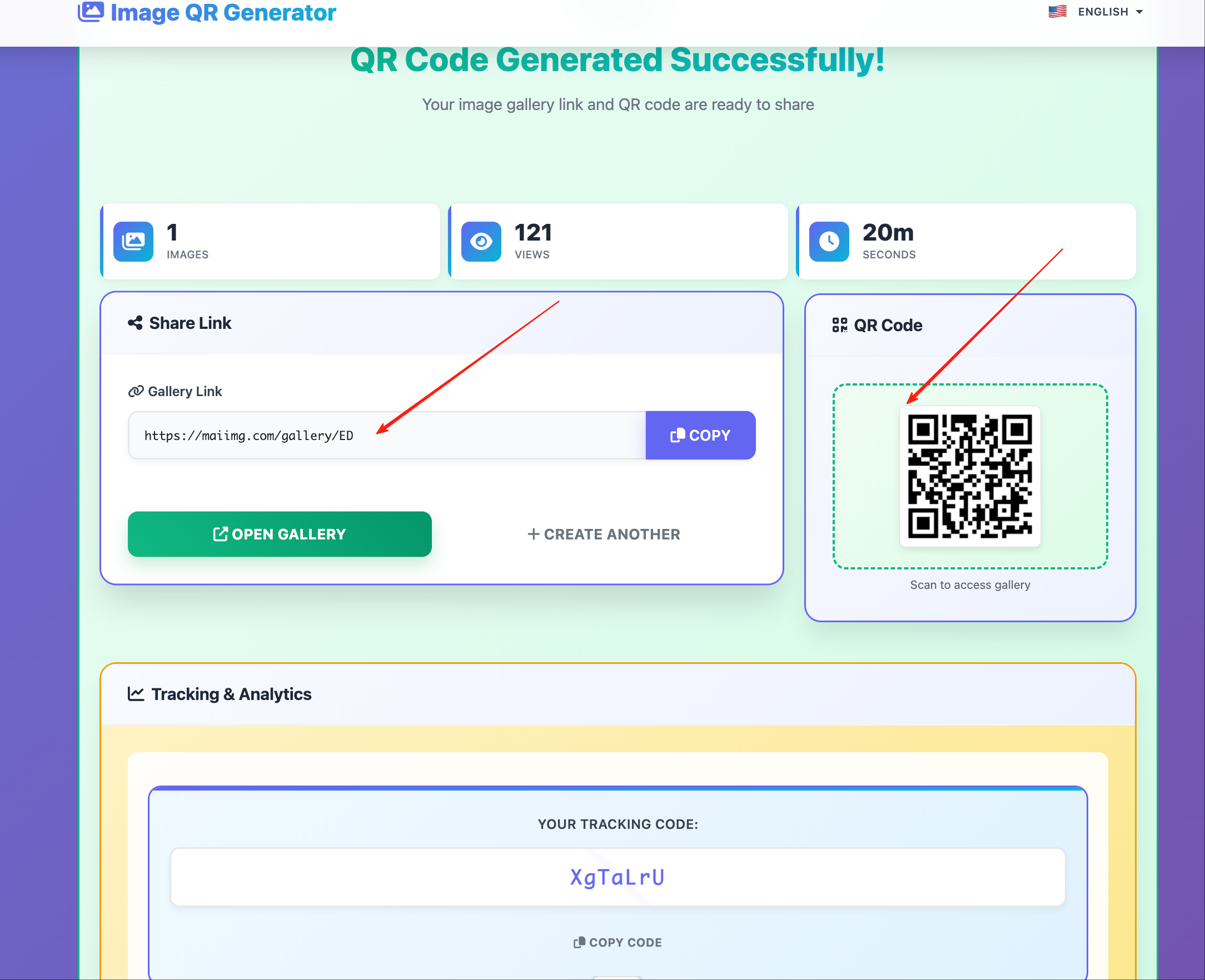
Result
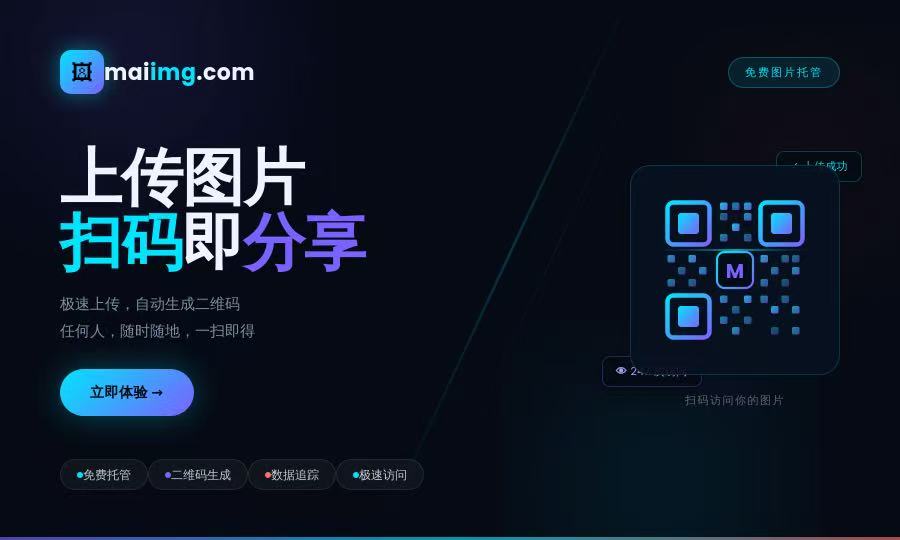
Deploy
Where to place QR codes
Retail & campaigns
Use shelf cards, brand displays, and promo posters to point visitors to a gallery.
Events
Place QR on booths and conference materials so attendees can access photo sets instantly.
Business cards
Combine QR with a short CTA like "Scan for gallery" to guide readers.
Printed follow-ups
Add QR to invoices, press kits, or delivery docs when a link is easier than attachments.
QR flow diagram
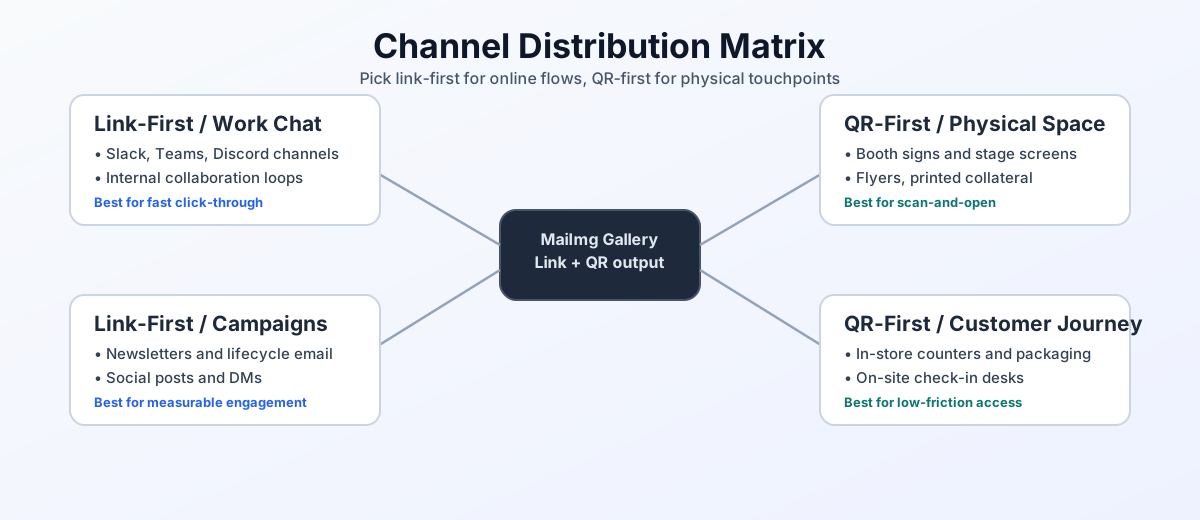
The diagram below summarizes how uploads become a link and then a QR-first offline distribution flow.
Pro tips
Choose a readable size
Test a few phones. In many cases, larger QR codes print better and scan faster.
Avoid blur and glare
Use matte paper when possible, and keep the QR area clear of heavy shadows.
Revoke when needed
When a campaign ends, disable the link from the dashboard so the QR no longer grants access.
Add a short CTA
A simple instruction helps readers scan immediately, especially at distance.