Confidential Documents Security
Share sensitive business documents without data breach risk. Layer password protection, watermarks, view limits, and expiration to keep confidential files under control.
7 min read March 23, 2026 Security
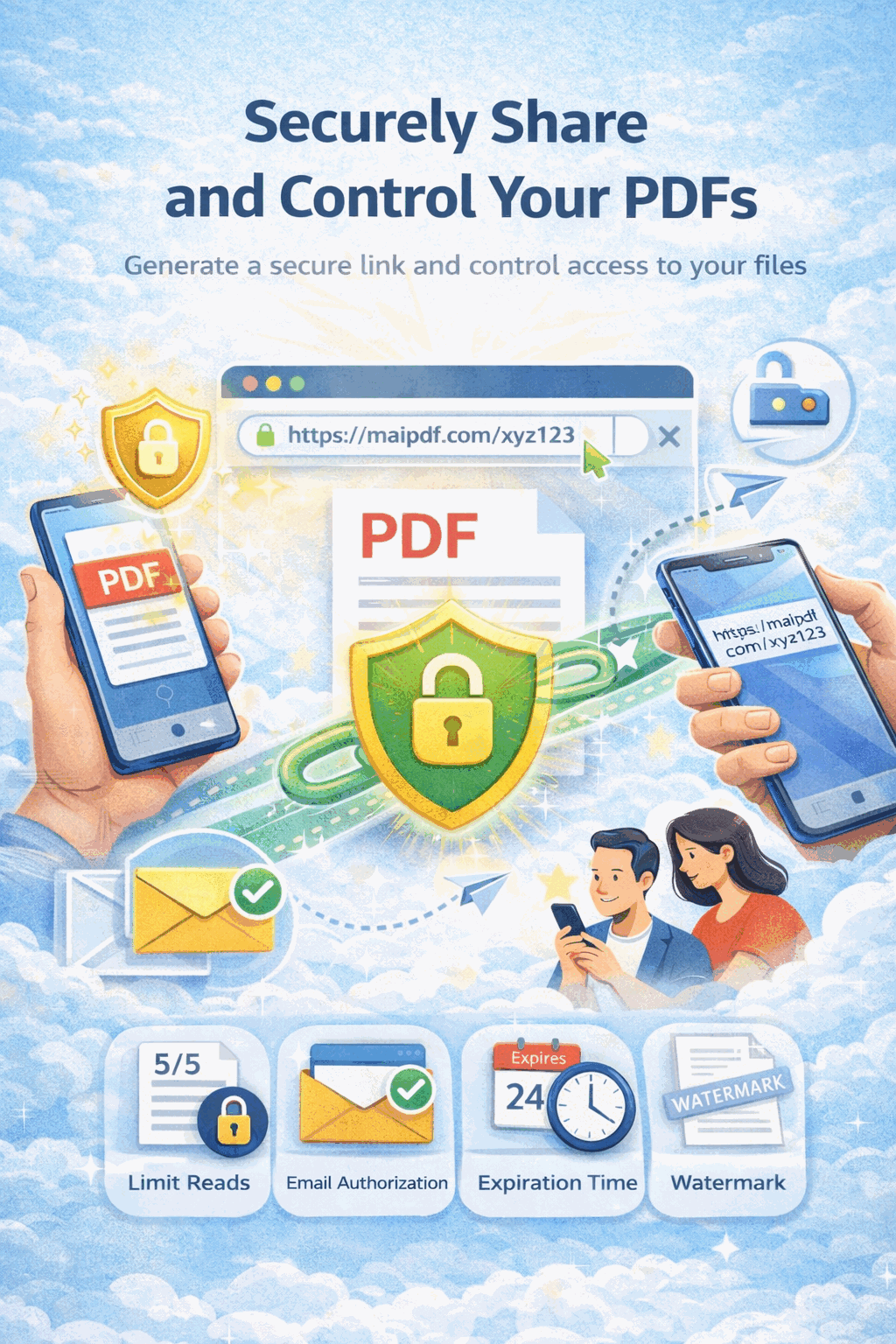
Share sensitive business documents without data breach risk. Layer password protection, watermarks, view limits, and expiration to keep confidential files under control.
7 min read March 23, 2026 Security
Once you email a confidential PDF, you lose all control. It can be forwarded, downloaded, printed, and shared with anyone — and you'll never know. MaiPDF replaces that uncontrolled process with a secure, monitored link that gives you full visibility and control over who accesses your sensitive documents, for how long, and under what conditions.
How It Works
Drag and drop your sensitive document. Files are encrypted during upload and stored securely in the cloud.

Enable password, view limits, expiration, watermarks, email verification, and download prevention — all at once.

Get a secure link and QR code. Share it via email or chat, then track every open in your analytics dashboard.

Security Features
Require a password before anyone can view the document. Change or revoke the password at any time.
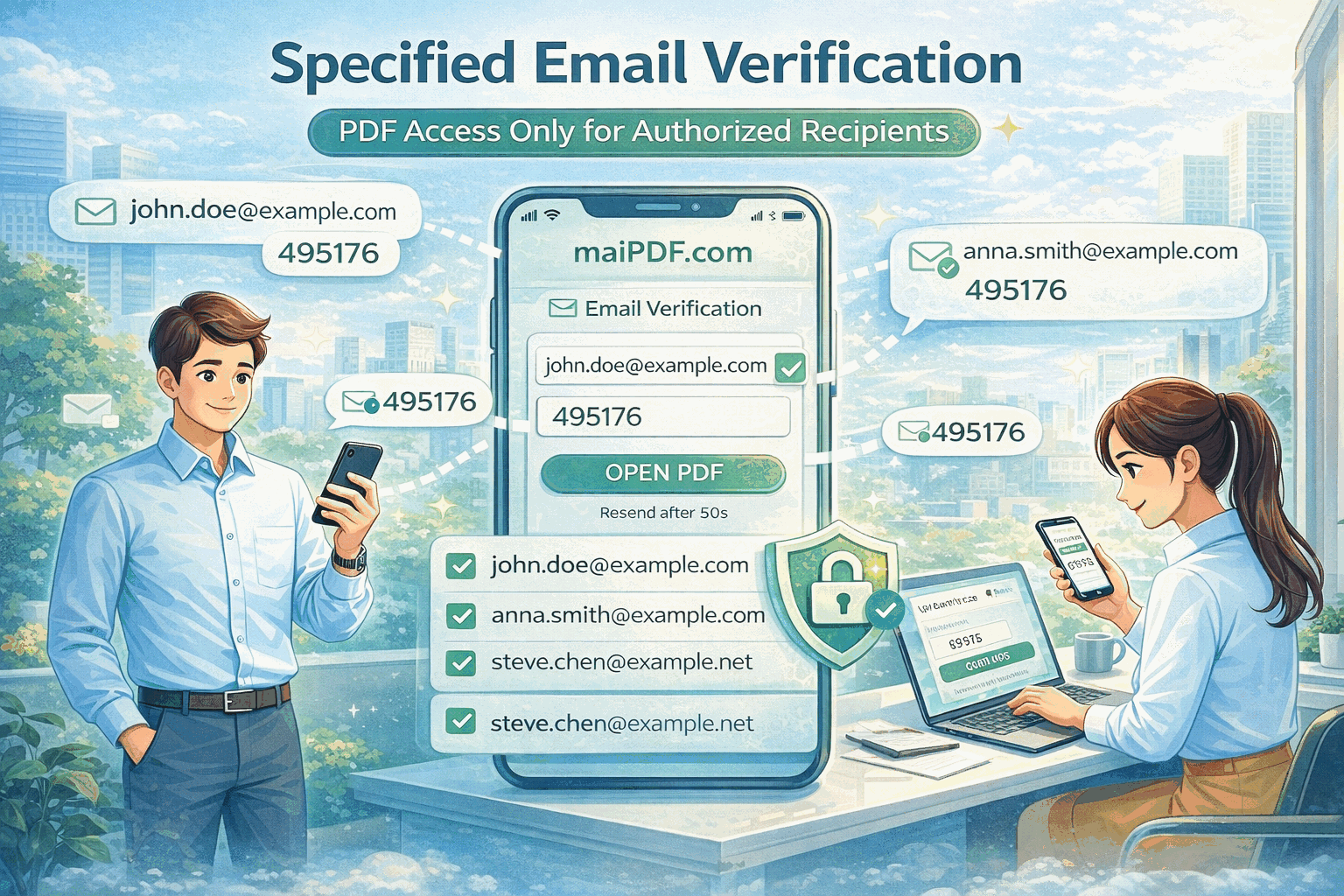
Recipients must enter a one-time code sent to their email. You know exactly who accessed the document.
Overlay viewer email, IP, and timestamp on every page. If leaked, trace it back to the source instantly.
Allow 1–5 views for highly sensitive documents. The link auto-disables after the limit is reached.
Set an automatic expiration so the link stops working after the deadline passes.
Disable the download and print buttons. Recipients can only view the document in the secure viewer.
See who viewed the document, when, how many times, and from what device — all in real time.
Disable any sharing link instantly. Even forwarded links stop working the moment you revoke.
Risk Comparison
FAQ
Related Reading
Best practices for protecting sensitive documents during distribution.
Complete guide to view limits, expiration dates, and access restrictions.
Use watermarks and view limits to stop unauthorized document sharing.
How to distribute internal company documents securely across teams.
Upload your sensitive PDF. Add password, watermark, view limits, and expiration. Share a controlled link — and know exactly who opens it.
Practical guide
Use ordinary Online Cloud Sharing for public brochures, generic manuals, and documents that do not expose private or commercial information.
Add password, expiry, download control, watermarking, and access records for proposals, policies, and customer-facing confidential material.
Use MaiPDF App DRM and .maipdf files for contracts, pricing sheets, investor updates, board materials, and any document where uncontrolled forwarding creates real damage.
Updated MaiPDF protection path
SendPDFOnline pages now describe MaiPDF as a two-level product family: Online Cloud Sharing creates quick browser links and QR codes, while the MaiPDF App creates protected .maipdf packages for sensitive PDFs that need App DRM controls.
Upload a PDF, share a browser link or QR code, and keep read code / modify code management.
Package the PDF in the MaiPDF App with local encryption, license rules, expiry, open limits, and revoke control.
Use protected viewer, device binding, screenshot-aware controls, watermark trace, and license management where supported.
No web page can fully stop screenshots. MaiPDF App DRM is positioned as the stronger path: reduce casual copying, bind access to identity/devices, revoke licenses, and trace leaks with visible watermark information.