Internal Company Document Sharing
Share OKRs, HR policies, strategic plans, and board reports internally without data leaks. Control who sees what, track every view, and revoke access anytime.
8 min read March 23, 2026 Security
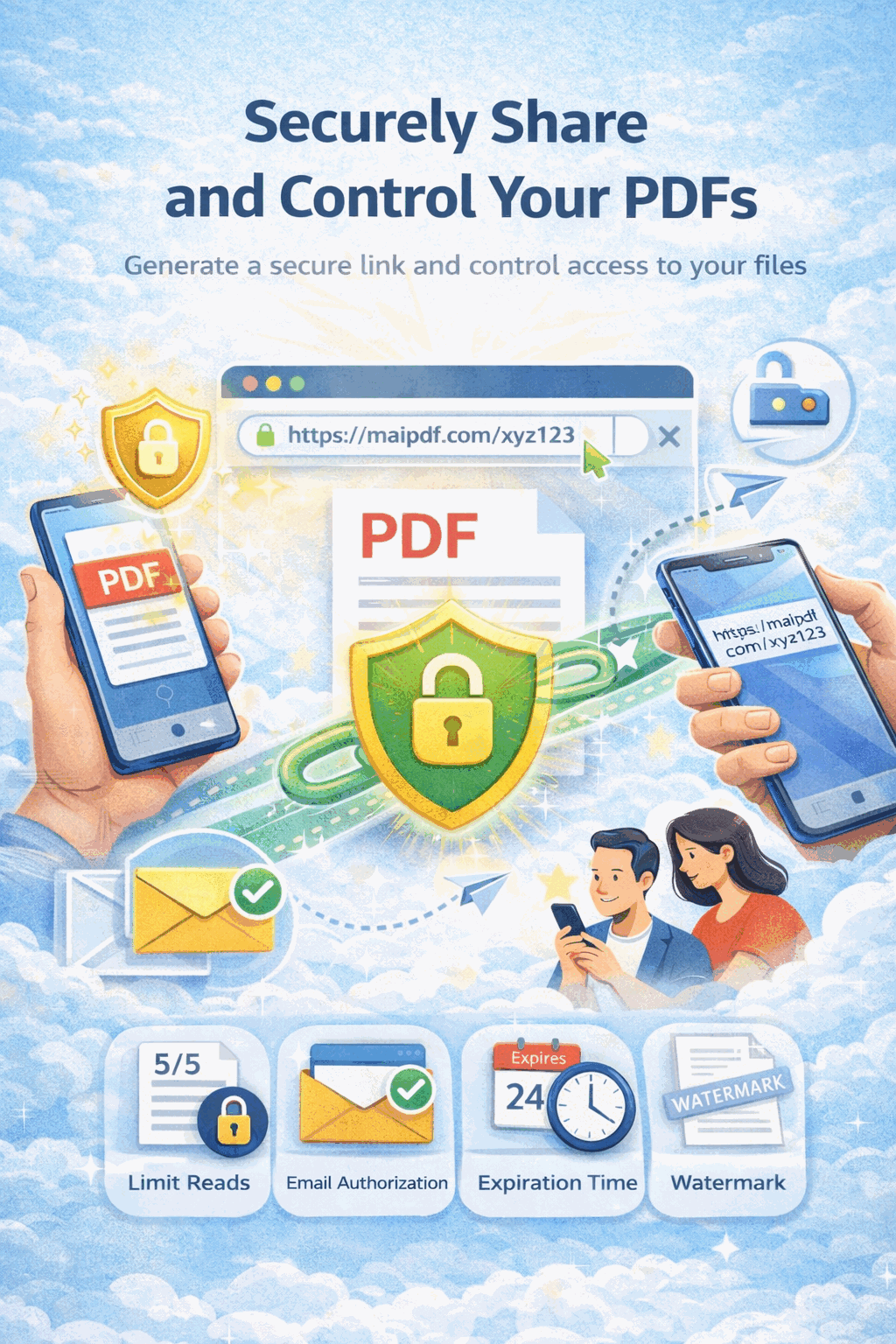
Share OKRs, HR policies, strategic plans, and board reports internally without data leaks. Control who sees what, track every view, and revoke access anytime.
8 min read March 23, 2026 Security
Every organization shares sensitive documents daily — quarterly reports, OKRs, strategic plans, HR policies, and board presentations. But the moment a file is emailed or dropped into a shared drive, control disappears. Recipients download, forward, and the document spreads far beyond its intended audience.
MaiPDF replaces file distribution with access distribution. Instead of sending a file, you share a secure, browser-only link with built-in controls: password protection, email verification, view limits, dynamic watermarks, expiration dates, and a full audit trail — all revocable in one click.
How It Works
Drag and drop your OKR, policy, or strategic plan. The file is encrypted and stored securely in the cloud.

Add a password, require email verification, set a view limit, configure expiration, and enable Telegram alerts.

Distribute the link or QR code to your team. Monitor views in real time and revoke access whenever needed.

Security Features
Require a password before anyone can view the document. Change it anytime without re-uploading.
Only approved email addresses can open the document. Unauthorized viewers are blocked automatically.
Set a maximum number of opens — 3, 10, or 50 — then the link expires automatically.
Overlay the viewer's IP or email on every page. Screenshots become traceable back to the source.
Set documents to expire after a specific date. Perfect for time-sensitive policies and quarterly reports.
Disable downloading and printing entirely. The document exists only in the browser — nowhere else.
See who viewed the document, when, from which IP and device. Full compliance-ready logs.
Receive an instant Telegram notification every time someone opens your document.
Comparison
FAQ
Related Articles
Security
Understand the hidden risks of sharing confidential documents and how to mitigate them.
Guide
Step-by-step instructions to stop unauthorized forwarding of your PDF files.
Analytics
Learn how to track who opens your PDFs, when, and from where with real-time analytics.
Comparison
See how MaiPDF compares to Smallpdf for secure document sharing and access control.
Upload a document, set your access controls, and share the link — your team reads it, nobody else does.
Practical guide
Do not send one universal PDF link to the whole company when teams, regions, or managers need different access levels.
Use access records and read alerts to know whether HR policies, OKRs, or strategy documents were actually opened.
For board reports, restructuring plans, compensation files, and internal strategy decks, distribute .maipdf files with MaiPDF App DRM instead of normal PDFs.
Updated MaiPDF protection path
SendPDFOnline pages now describe MaiPDF as a two-level product family: Online Cloud Sharing creates quick browser links and QR codes, while the MaiPDF App creates protected .maipdf packages for sensitive PDFs that need App DRM controls.
Upload a PDF, share a browser link or QR code, and keep read code / modify code management.
Package the PDF in the MaiPDF App with local encryption, license rules, expiry, open limits, and revoke control.
Use protected viewer, device binding, screenshot-aware controls, watermark trace, and license management where supported.
No web page can fully stop screenshots. MaiPDF App DRM is positioned as the stronger path: reduce casual copying, bind access to identity/devices, revoke licenses, and trace leaks with visible watermark information.