PDF Watermark Guide
Add dynamic or static watermarks to PDFs online. Trace leaks, deter screenshots, and protect intellectual property — no software needed.
7 min read March 23, 2026 Security
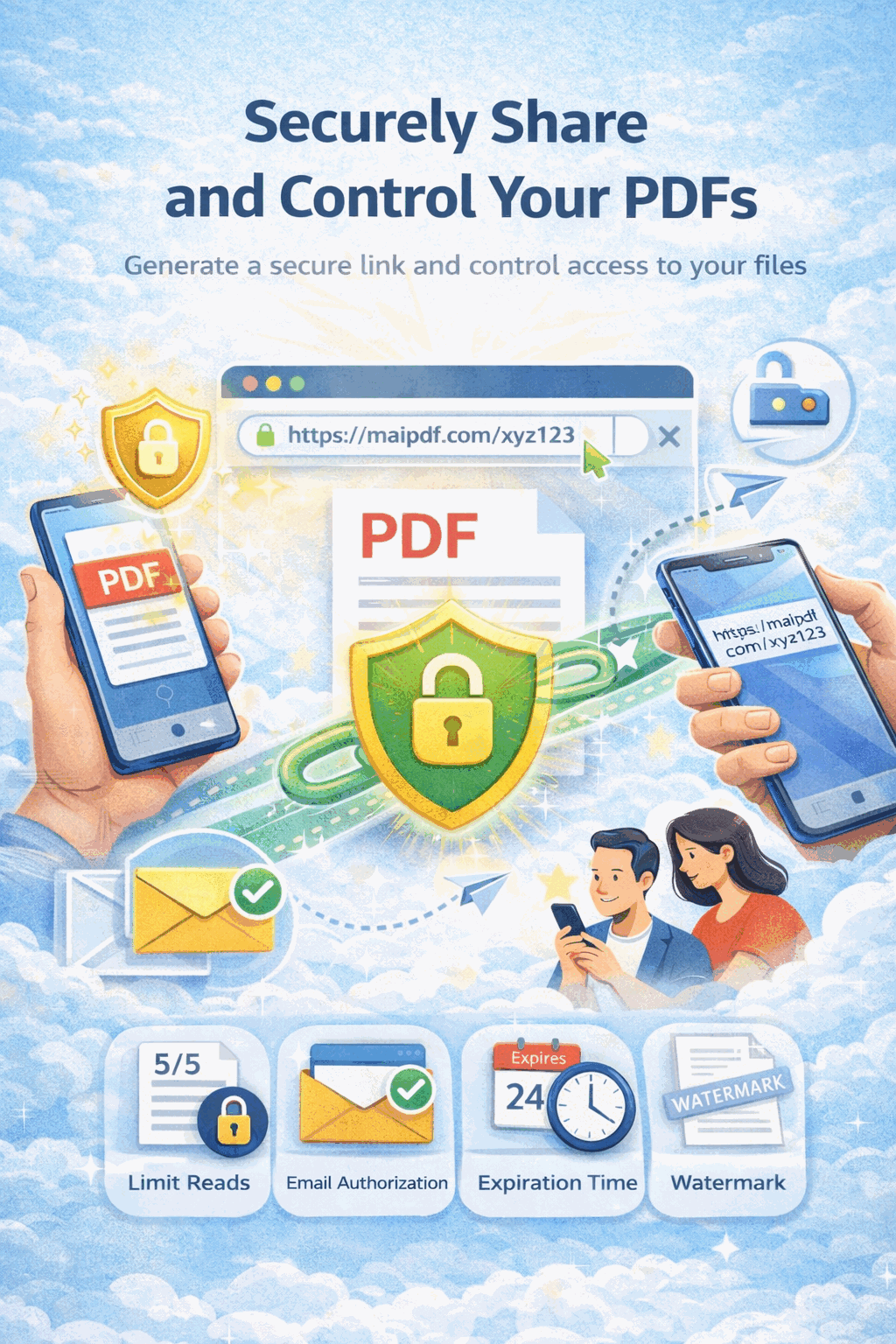
Add dynamic or static watermarks to PDFs online. Trace leaks, deter screenshots, and protect intellectual property — no software needed.
7 min read March 23, 2026 Security
Watermarks have been used for centuries to protect documents — from currency bills to government papers. In the digital age, PDF watermarks serve the same purpose: they identify ownership, deter unauthorized copying, and trace document leaks. This guide covers everything from basic text watermarks to advanced dynamic watermarks that change based on who's viewing the document.
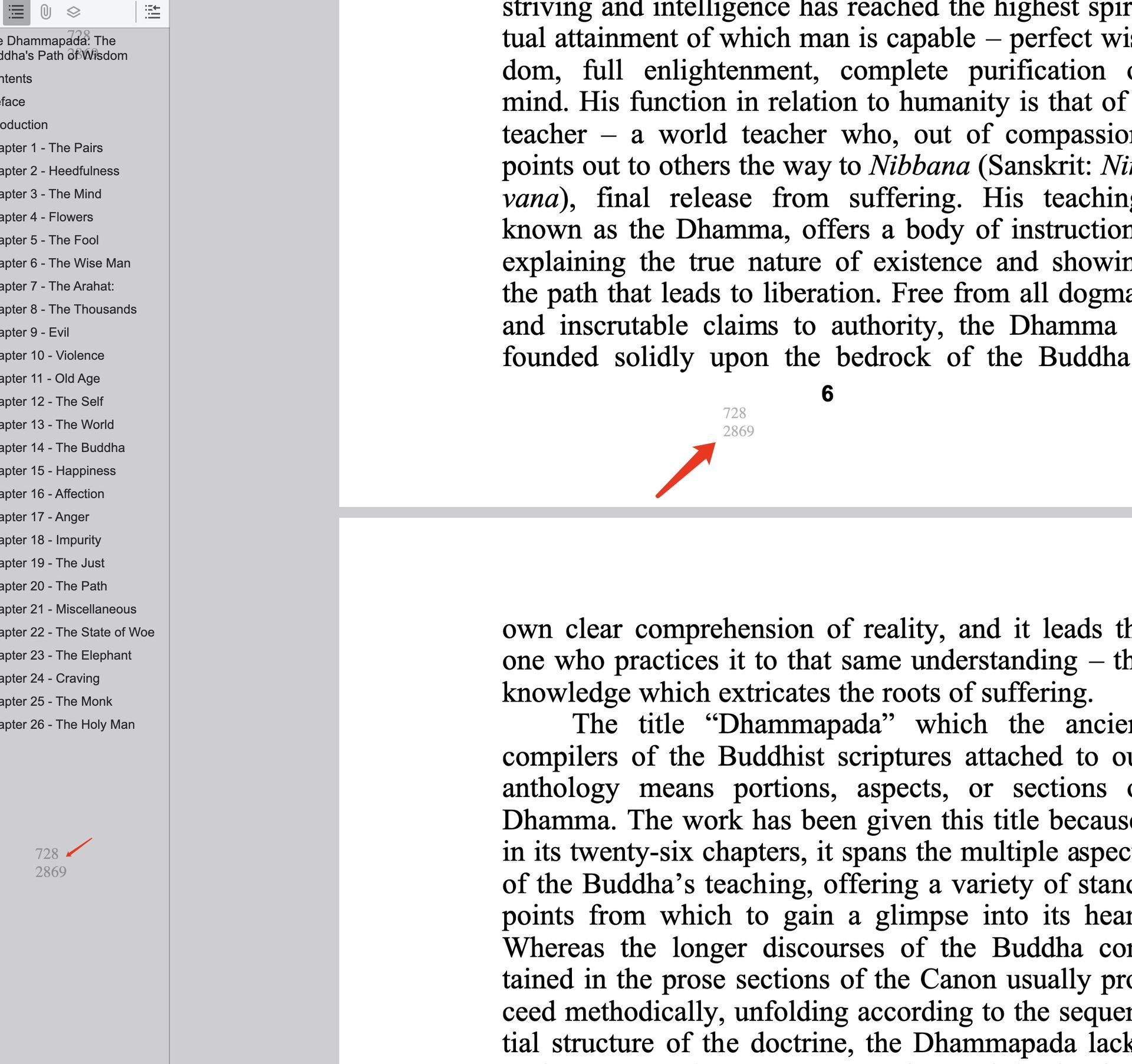
Example: Dynamic watermark showing viewer IP and timestamp on each page
How It Works
Drag and drop your PDF document. Your file is stored securely and the original is never modified.

Toggle the watermark option in security settings. Choose dynamic (viewer-specific) or static text watermark.

Get your secure link or QR code. When anyone opens it, the watermark appears automatically on every page.

Watermark Types
Shows viewer-specific information (IP address, timestamp, session ID) on every page. Each viewer sees a unique watermark, enabling leak tracing.
Displays fixed text like "CONFIDENTIAL", "DRAFT", or your company name across all pages. Same for every viewer — ideal for branding and status marking.
Set any text you want — company name, project code, or recipient identifier. Applied semi-transparently across all pages at customizable opacity.
Combine watermarks with download blocking. Viewers can only see the watermarked document online — they can't save a clean copy.
Dynamic watermarks with viewer info make screenshots traceable. Even if someone captures the screen, the watermark identifies who did it.
If a watermarked screenshot surfaces online, the embedded viewer info (IP, timestamp) traces the leak back to the exact person and session.
Comparison
| Feature | Static Watermark | Dynamic Watermark (MaiPDF) |
|---|---|---|
| Unique per viewer | Same for everyone | Unique per viewer |
| Leak tracing | Impossible | Traces to specific person |
| Removable | Can be removed with PDF editors | Applied at view time, not in file |
| Deterrent strength | Low — no personal accountability | High — personal info creates accountability |
| Original file modified | Yes — baked into the PDF | No — original stays unchanged |
| Combined with tracking | Not available | Open tracking built in |
| View limits & expiration | Not available | Fully supported |
| Requires software | Adobe Acrobat or similar | No — browser-based |
FAQ
Related Articles
Stop recipients from downloading, printing, or forwarding your shared PDFs.
Track who opens your PDFs, when they view them, and how engaged they are.
Complete guide to sharing PDFs with password protection, view limits, and encryption.
Share pitch decks without forwarding risks. Control access and track engagement.
Upload a PDF, enable watermarks, and share a secure link — all for free. No software installation needed.
Practical guide
Add a light logo or document label when the goal is brand consistency rather than leak tracing.
Show recipient-specific information only when the PDF is shared with clients, partners, or employees who should not redistribute it.
If watermarking alone is not enough, package the PDF as .maipdf with MaiPDF App DRM to add stronger opening and permission controls.
Updated MaiPDF protection path
SendPDFOnline pages now describe MaiPDF as a two-level product family: Online Cloud Sharing creates quick browser links and QR codes, while the MaiPDF App creates protected .maipdf packages for sensitive PDFs that need App DRM controls.
Upload a PDF, share a browser link or QR code, and keep read code / modify code management.
Package the PDF in the MaiPDF App with local encryption, license rules, expiry, open limits, and revoke control.
Use protected viewer, device binding, screenshot-aware controls, watermark trace, and license management where supported.
No web page can fully stop screenshots. MaiPDF App DRM is positioned as the stronger path: reduce casual copying, bind access to identity/devices, revoke licenses, and trace leaks with visible watermark information.