Time-Limited Whitepapers & Case Studies
Share marketing content without giving it away forever. Set expiration dates and view limits so whitepapers stay exclusive and drive conversions.
7 min read March 23, 2026 Marketing
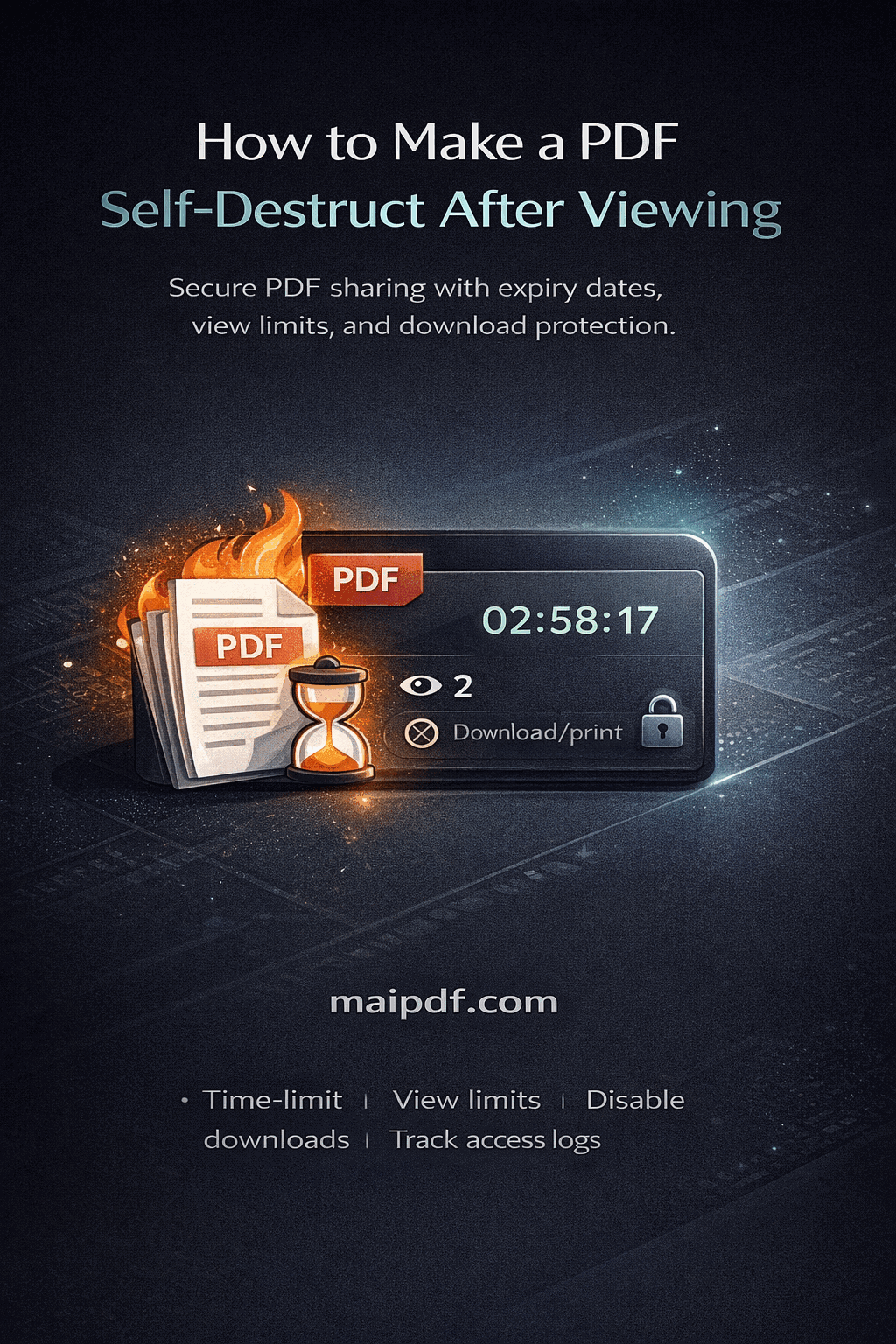
Share marketing content without giving it away forever. Set expiration dates and view limits so whitepapers stay exclusive and drive conversions.
7 min read March 23, 2026 Marketing
Whitepapers, case studies, and strategy PDFs are among your most powerful marketing tools — but they're also the hardest to control once shared. Recipients download, forward, and repost them indefinitely. With MaiPDF you set an expiration date, cap the number of opens, and track every view so your premium content stays exclusive.
How It Works
Drag and drop your PDF on MaiPDF. Your file is stored securely in the cloud, ready to share.

Choose an expiry date, cap the number of opens, add a password, or require email verification.

Copy the secure link or QR code and send it to prospects via email, ads, or social media.

Key Features
Set a specific date or countdown so the whitepaper auto-expires and can no longer be viewed.
Learn more →Cap the number of times a link can be opened — perfect for limited-access lead magnets.
Learn more →See who opened your document, when, from where, and on which device — in real time.
Learn more →Require a password before the whitepaper can be viewed — add an extra layer of exclusivity.
Learn more →Disable the download button so recipients can only view — not save or redistribute — your PDF.
Learn more →Swap the underlying PDF without changing the URL. Update data or fix errors post-launch.
Learn more →Require a one-time email code before viewing so you know exactly which lead opened the file.
Learn more →Get a Telegram notification the moment someone opens your whitepaper — no dashboard refresh needed.
Learn more →Scenario Comparison
FAQ
Related Articles
Update shared PDFs while keeping the same URL. Old link stays, new content appears instantly.
Share pitch decks with view limits and know the moment a prospect opens them.
How financial teams share sensitive reports with view limits and audit trails.
Step-by-step guide to restricting the number of times a PDF can be opened.
Upload your whitepaper, set an expiration date and view limit, then share the link — it takes less than a minute.
Updated MaiPDF protection path
SendPDFOnline pages now describe MaiPDF as a two-level product family: Online Cloud Sharing creates quick browser links and QR codes, while the MaiPDF App creates protected .maipdf packages for sensitive PDFs that need App DRM controls.
Upload a PDF, share a browser link or QR code, and keep read code / modify code management.
Package the PDF in the MaiPDF App with local encryption, license rules, expiry, open limits, and revoke control.
Use protected viewer, device binding, screenshot-aware controls, watermark trace, and license management where supported.
No web page can fully stop screenshots. MaiPDF App DRM is positioned as the stronger path: reduce casual copying, bind access to identity/devices, revoke licenses, and trace leaks with visible watermark information.