Prevent unauthorized downloading, printing, and copying of your shared PDFs. MaiPDF converts documents to secure view-only format with FenceView anti-screenshot protection.
6 min read March 23, 2026 Security

How It Works
Open MaiPDF and upload your PDF from the header, or log in to manage files from your dashboard.
Turn off download and print, disable copy and selection, add FenceView, watermarks, expiration, and view limits.
Distribute a secure link or QR code. Recipients view in the browser under the restrictions you set.
Key Features
Deliver content in a secure viewer so recipients stream the document instead of saving a portable file.
Remove print routes from the viewer so the document stays on screen and off paper trails.
Block text selection and clipboard copy so content cannot be lifted with a simple highlight and paste.
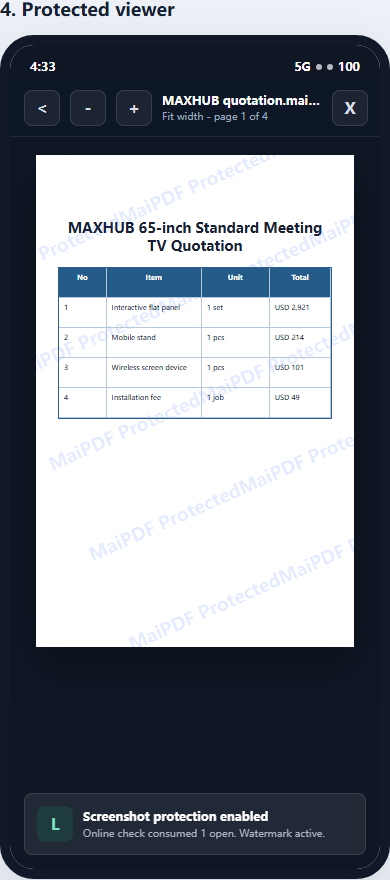
Discourage screen capture and casual recording inside the viewer for an extra barrier beyond passwords.
Overlay viewer-specific identifiers on each page to trace leaks and deter unauthorized photography.
Optional pipeline that presents pages as protected images for stronger control over extraction paths.
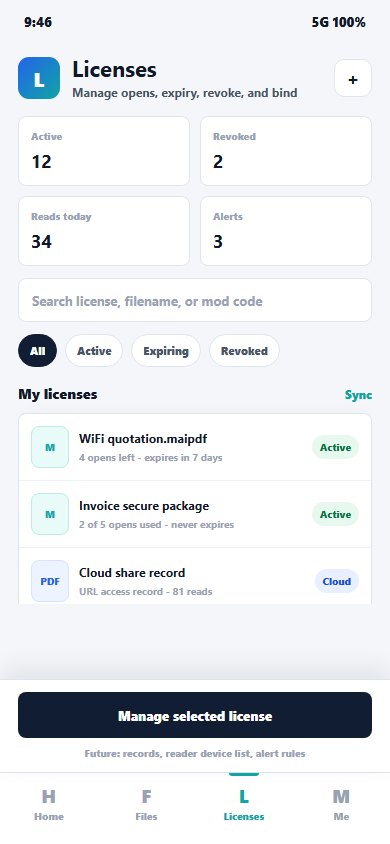
Cap opens per link so shared URLs cannot be reused endlessly across unknown recipients.
Package controlled offline viewing when your workflow requires air-gapped or limited connectivity scenarios.
Inside the Viewer
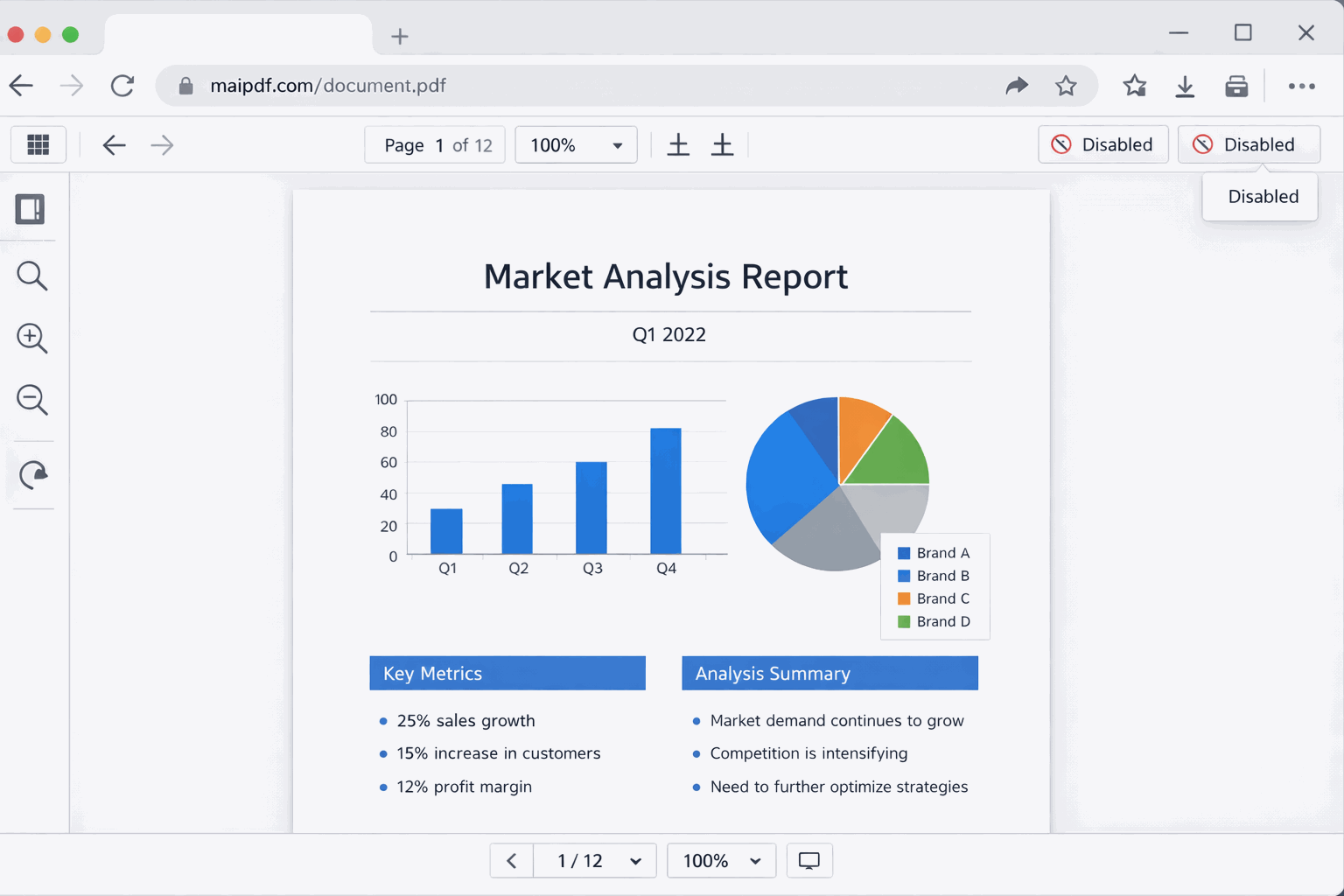
The MaiPDF viewer can hide download and print actions and enforce your policy in the browser. Paired with copy restrictions and optional FenceView, you move from a static file anyone can duplicate to an access-controlled experience.
Comparison
Password-only rows reflect typical consumer PDF tools: opening may be gated, but distribution and client-side extraction often remain a risk until you use a hosted DRM viewer.
FAQ
Related Reading
Stop text and image extraction with viewer-level copy controls for shared PDFs.
Turn off printing for confidential decks and contracts in the MaiPDF viewer.
Combine passwords, limits, and verification for stronger gatekeeping.
Upload your PDF, enable view-only mode, and share a single protected link. Get started free on MaiPDF.