Secure PDF Access Control
Control who can view your PDFs, for how long, and how many times. Combine time-limited access, dynamic watermarks, and DRM protection for complete document security.
7 min read March 23, 2026 Security
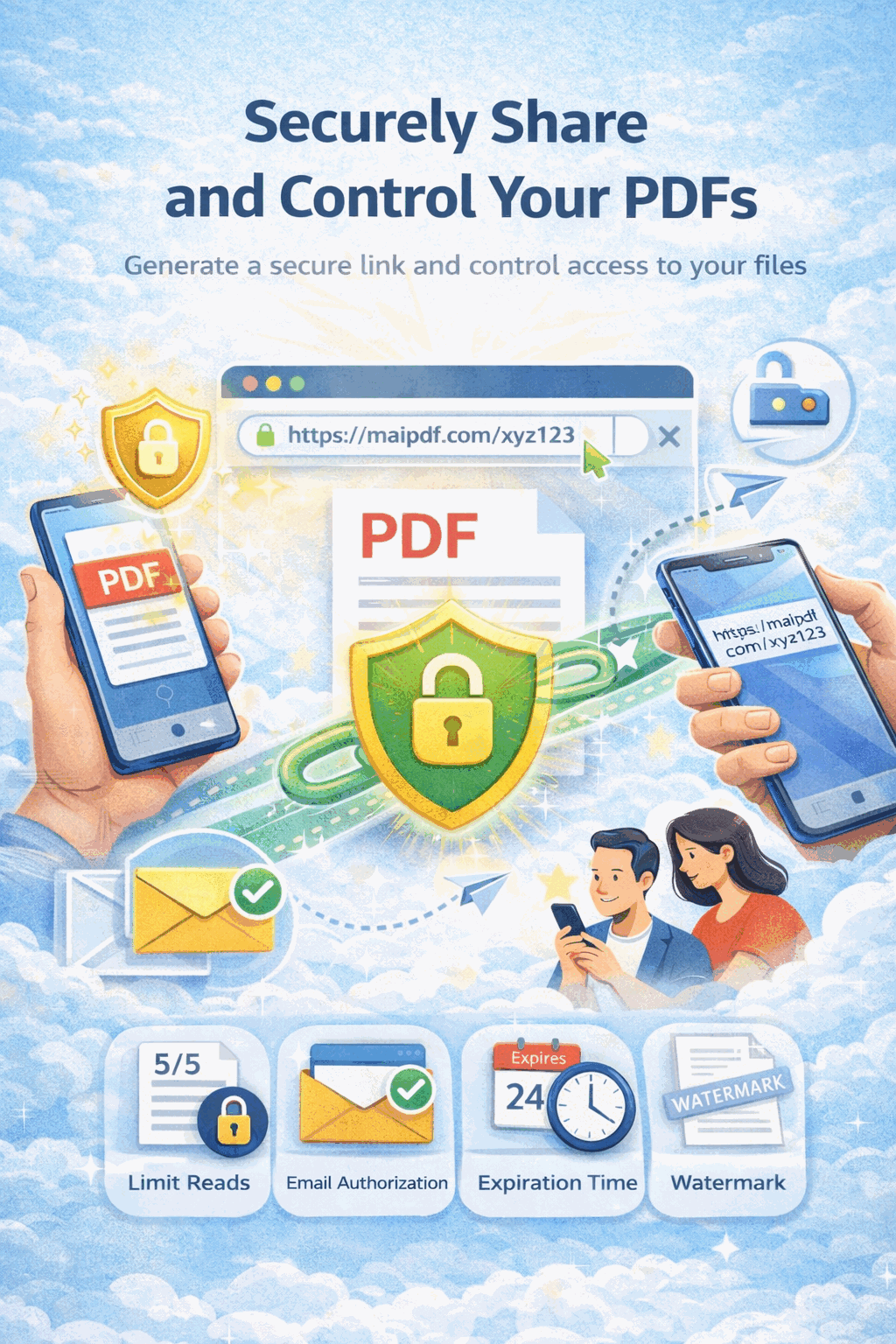
Control who can view your PDFs, for how long, and how many times. Combine time-limited access, dynamic watermarks, and DRM protection for complete document security.
7 min read March 23, 2026 Security
Sharing a PDF is easy; keeping control after you hit send is hard. MaiPDF gives you granular access control so you decide who opens the file, how many times, and for how long — layered with watermarks, verification, and optional no-download viewing. Whether you are sending NDAs, investor decks, or pricing sheets, you can enforce policy without mailing attachments that disappear into inboxes forever.
How It Works
Open MaiPDF and upload your document. You can start from the homepage without a lengthy signup flow, then move straight to security settings.

Set expiration, view caps, password protection, email verification, watermarking, and Telegram notifications. Combine controls to match your risk level.

Distribute a single link or QR code. Recipients only get what you allow — and you can revoke or replace access from your dashboard at any time.

Fine Control
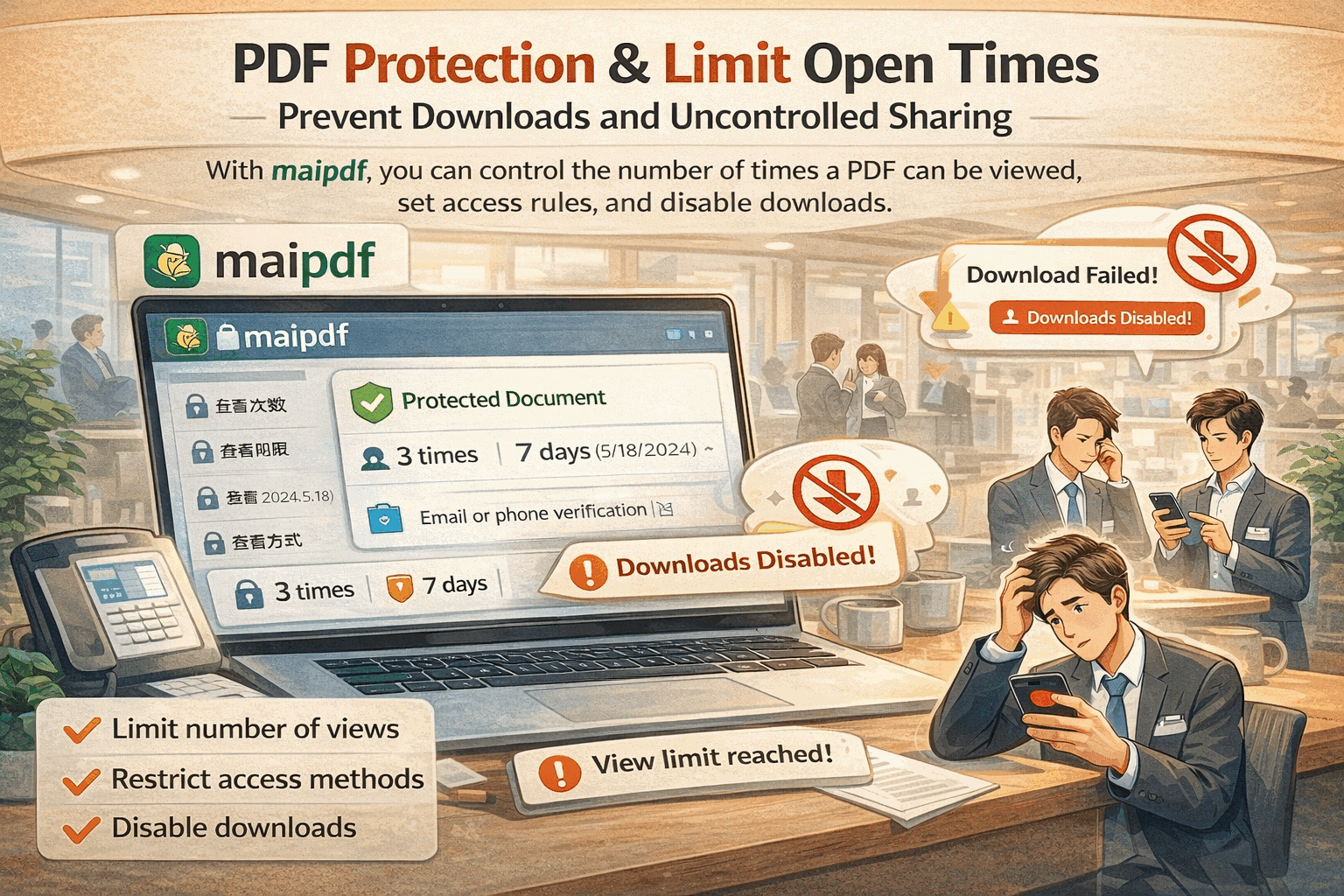
View limits stop a single link from turning into unlimited circulation. Set a maximum number of opens for the whole file or per recipient, pair with expiration, and combine with watermarks so that when the cap is hit, access simply stops — no manual cleanup after the fact.
Controls
Set a start and end time or a fixed expiry so the link stops working when the campaign or review period ends.
Restrict how many times the document can be opened so confidential material cannot be passed around indefinitely.
Overlay viewer-specific details on each page to deter screenshots and support traceability when content leaks.
Require recipients to prove they own an allowed email before the PDF opens — no anonymous forwarding.
Add a shared secret so even if the link is leaked, the file stays closed without the password.
Keep the document in the browser viewer with DRM-style restrictions that reduce offline copies and printouts.
Disable or rotate links from your dashboard when a deal stalls or a person leaves the project.
Get instant notifications when someone opens your PDF so you can act on access events as they happen.
Layers
| Layer | Password | Email verify | View limit | Expiration | Watermark | No-download |
|---|---|---|---|---|---|---|
| Primary protection | Blocks opening without the shared secret. | Stops anonymous or unverified recipients. | Prevents unlimited replays of the same link. | Ends access after a date or review window. | Deters screenshots and traces leaks to a session. | Reduces offline copies and print distribution. |
FAQ
Related Reading
Passwords, limits, expiration, and verification in one practical overview.
Reduce unauthorized sharing with controls that follow the file online.
Why attachments fail and how layered controls reduce breach exposure.
Upload your file, stack the protections you need, and share one link with confidence. Limits, watermarks, and DRM-style viewing work together so your documents stay yours.
MaiPDF App workflow
The same MaiPDF product family supports two paths: fast Online Cloud Sharing for browser links, and MaiPDF App / App DRM for stronger file-level control. These App screens show how a PDF can move from upload to DRM packaging and protected viewing.
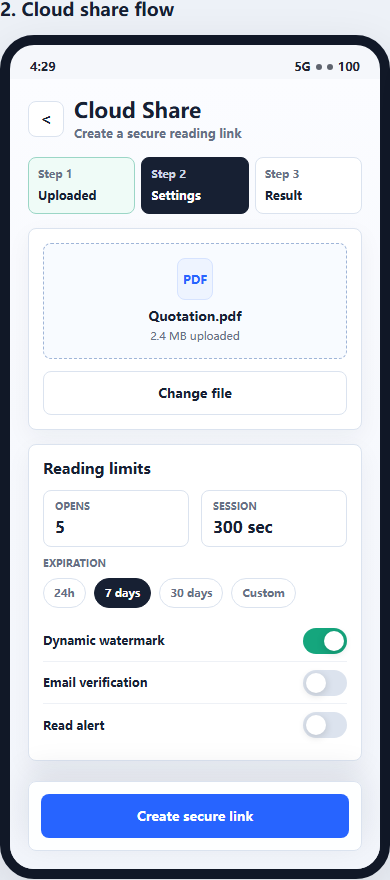
Use Online Cloud Sharing when you need a quick PDF link, QR code, password, expiry, and access records.
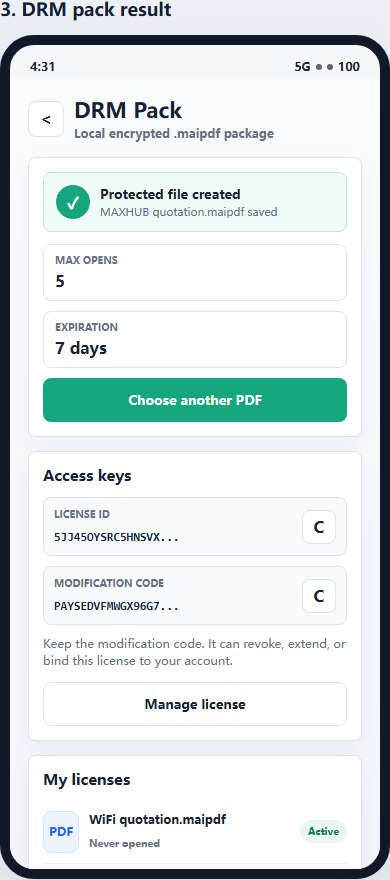
For sensitive contracts, proposals, or internal files, use App DRM to create a protected .maipdf document.
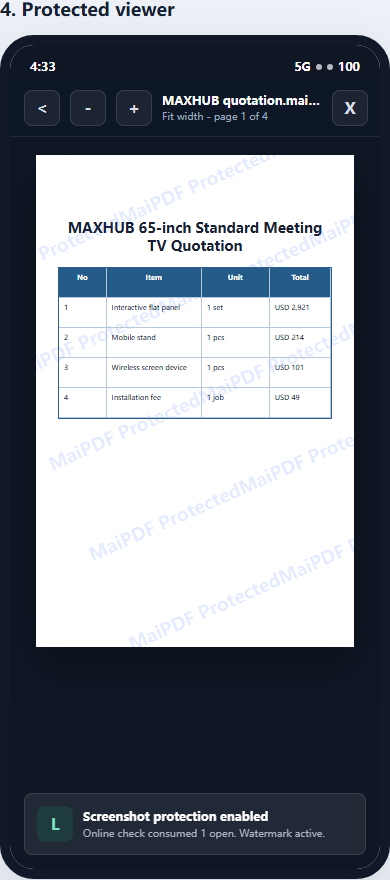
Recipients view the document under controlled conditions instead of receiving an ordinary uncontrolled PDF.
Updated MaiPDF protection path
SendPDFOnline pages now describe MaiPDF as a two-level product family: Online Cloud Sharing creates quick browser links and QR codes, while the MaiPDF App creates protected .maipdf packages for sensitive PDFs that need App DRM controls.
Upload a PDF, share a browser link or QR code, and keep read code / modify code management.
Package the PDF in the MaiPDF App with local encryption, license rules, expiry, open limits, and revoke control.
Use protected viewer, device binding, screenshot-aware controls, watermark trace, and license management where supported.
No web page can fully stop screenshots. MaiPDF App DRM is positioned as the stronger path: reduce casual copying, bind access to identity/devices, revoke licenses, and trace leaks with visible watermark information.