PDF Link Sharing Guide
Generate secure, trackable links for any PDF document. Share via email, social media, or messaging apps with full access control and real-time analytics.
6 min read March 23, 2026 Sharing
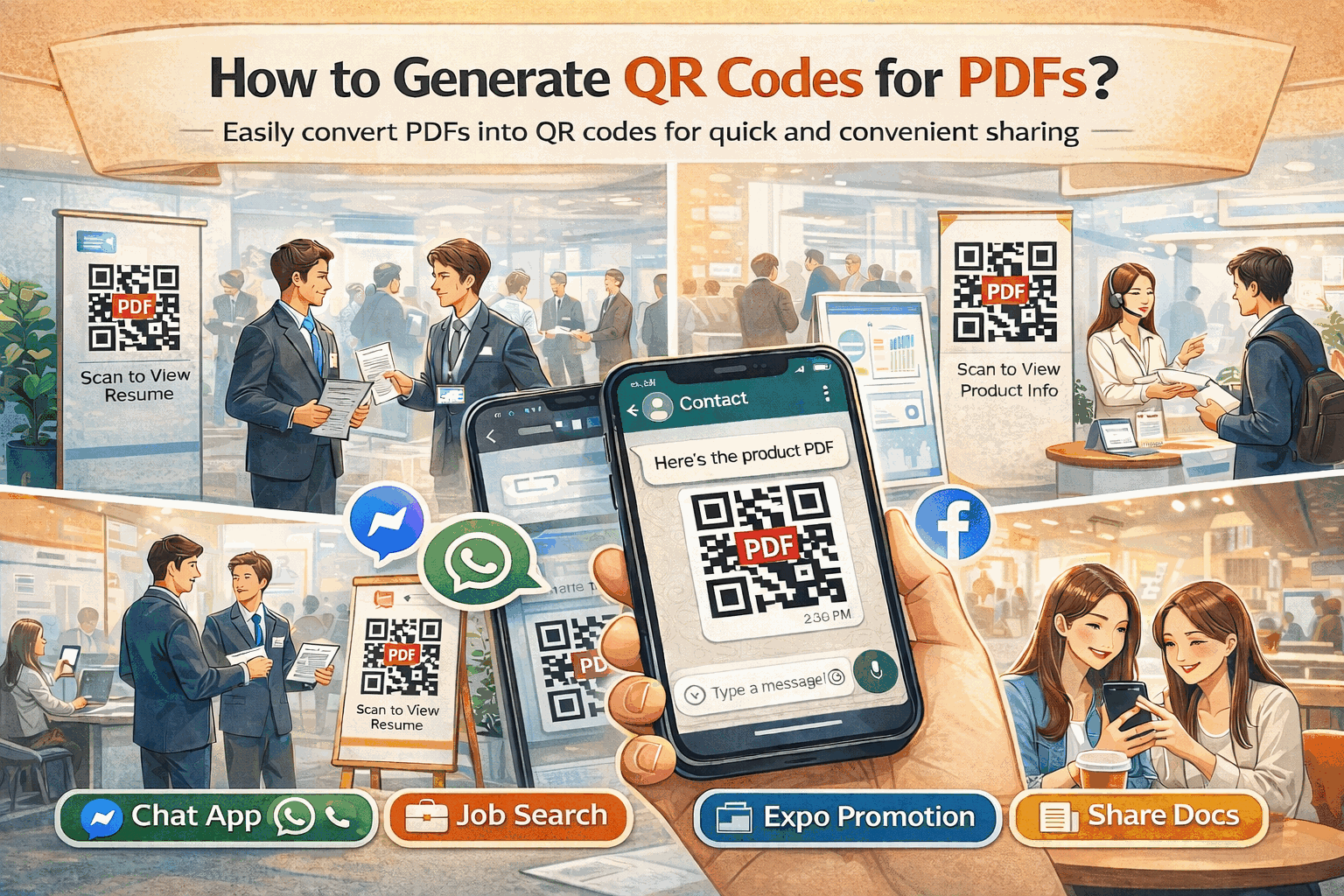
Generate secure, trackable links for any PDF document. Share via email, social media, or messaging apps with full access control and real-time analytics.
6 min read March 23, 2026 Sharing
Emailing PDF attachments runs into size limits, lacks tracking, and offers zero control after delivery. Cloud storage links often require recipients to create accounts. MaiPDF solves both problems: upload any PDF (up to 100 MB), get a unique shareable link with a matching QR code, and maintain full control over who can view, how many times, and for how long — with real-time analytics on every view.
How It Works
Go to maipdf.com and drag-and-drop your PDF file. No account is required — uploads start immediately and support files up to 100 MB.

Set optional protections: password, view limits, expiration date, watermark, and Telegram alerts. Each setting is one toggle away.

Instantly receive a shareable URL and QR code. Copy the link into emails, paste it on social media, or send it via WhatsApp and Telegram.

Features
Upload completes in seconds and your unique shareable URL is ready immediately. No processing delays, no waiting queues.
Every link comes with a matching QR code. Print it on posters, business cards, or packaging for instant mobile access to your PDF.
Require a password before anyone can view your document. Only people with the correct password gain access.
Set a maximum number of views. Once the limit is reached, the link automatically deactivates — perfect for limited-distribution documents.
Set your link to expire after a specific date. Time-sensitive proposals, offers, and contracts stay accessible only when you want them to.
Overlay your name, company logo, or custom text on every page. Watermarks discourage screenshots and unauthorized redistribution.
Track view count, timestamps, viewer locations, and devices used. Know exactly who opened your document and when.
Get instant Telegram notifications every time someone opens your PDF link. Stay informed in real time without checking dashboards.
Comparison
FAQ
Related Reading
Share PDFs instantly at zero cost — upload, get a link, and share with anyone on any device.
Turn any PDF into a scannable QR code for instant mobile sharing and offline distribution.
Monitor who views your PDFs with real-time analytics, IP tracking, and audit trails.
Control who sees your PDFs and prevent unauthorized forwarding with view limits and passwords.
Upload your PDF, set your security preferences, and get a trackable link and QR code in seconds. No sign-up required.
Updated MaiPDF protection path
SendPDFOnline pages now describe MaiPDF as a two-level product family: Online Cloud Sharing creates quick browser links and QR codes, while the MaiPDF App creates protected .maipdf packages for sensitive PDFs that need App DRM controls.
Upload a PDF, share a browser link or QR code, and keep read code / modify code management.
Package the PDF in the MaiPDF App with local encryption, license rules, expiry, open limits, and revoke control.
Use protected viewer, device binding, screenshot-aware controls, watermark trace, and license management where supported.
No web page can fully stop screenshots. MaiPDF App DRM is positioned as the stronger path: reduce casual copying, bind access to identity/devices, revoke licenses, and trace leaks with visible watermark information.