Dynamic QR Watermark for PDFs
Add smart watermarks that display viewer identity, IP address, and access timestamp on every page. Trace leaks, deter screenshots, and protect intellectual property.
7 min read March 23, 2026 Security
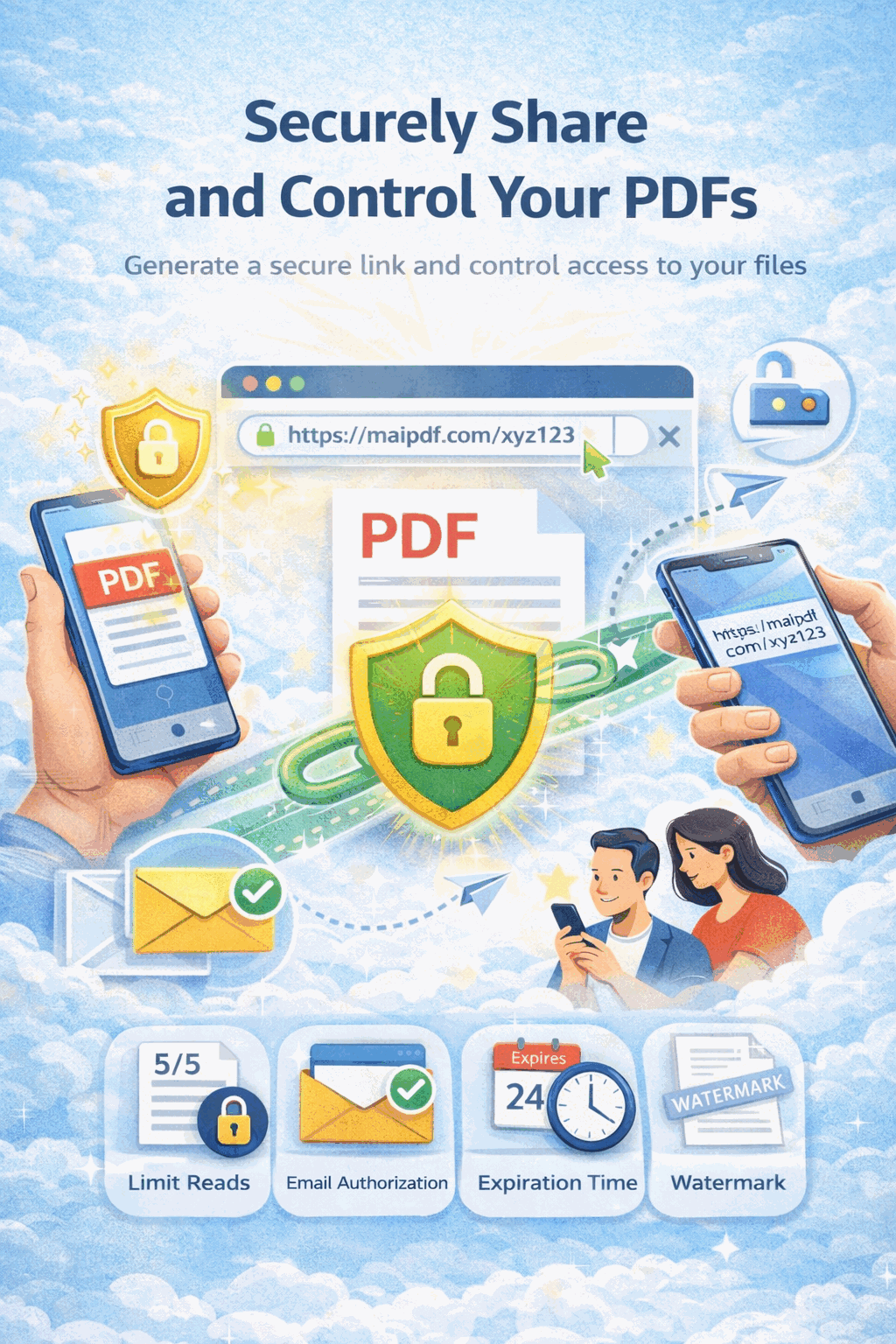
Add smart watermarks that display viewer identity, IP address, and access timestamp on every page. Trace leaks, deter screenshots, and protect intellectual property.
7 min read March 23, 2026 Security
How It Works
Open MaiPDF and upload your document (up to 100 MB). Sign in or use the quick upload in the header.

Toggle the dynamic watermark option in settings. Configure expiration, access limits, and Telegram alerts alongside it.

Distribute via link or QR code. Every viewer sees a unique watermark with their identity embedded on each page.

Watermark in Action
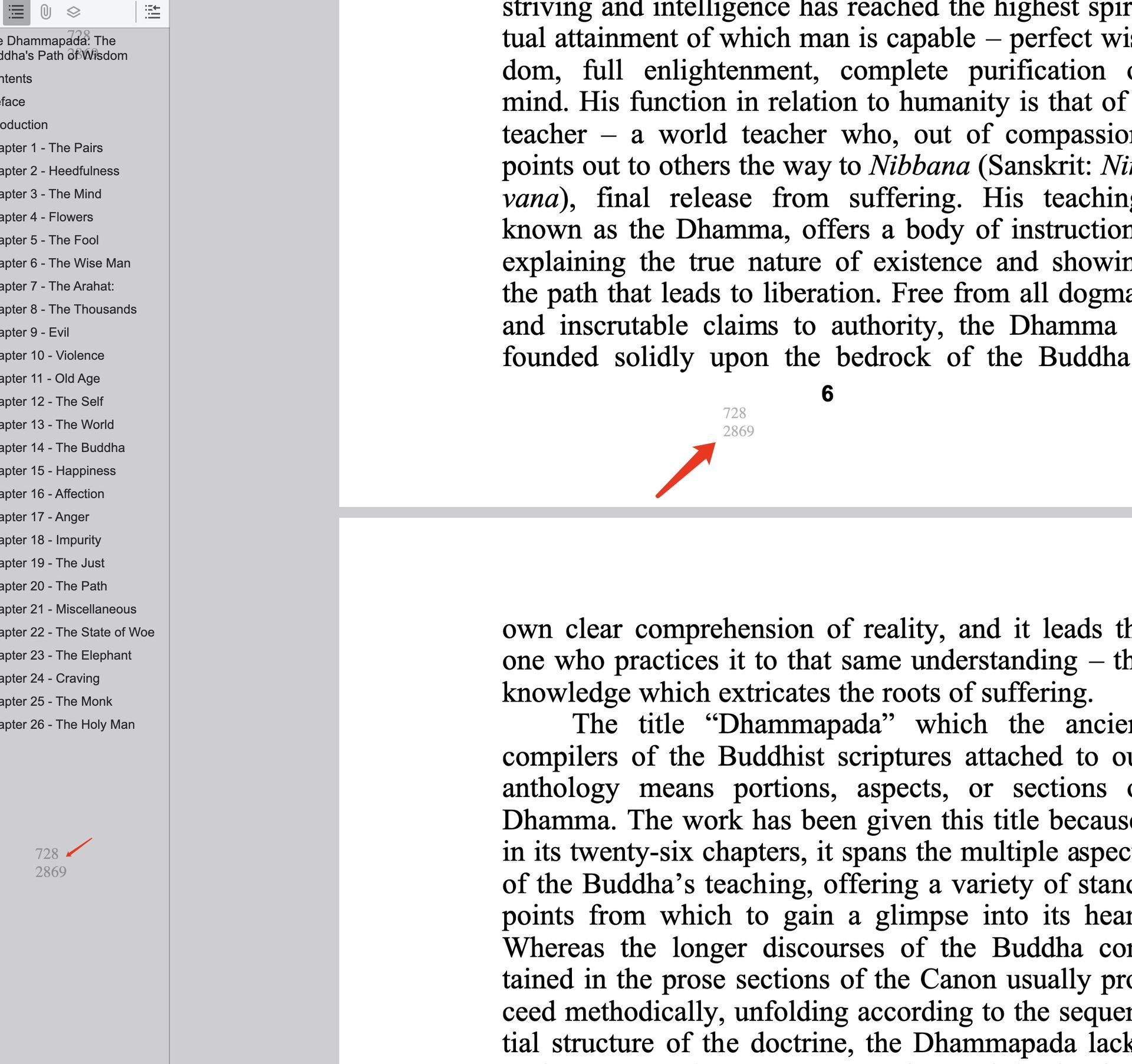
When a recipient opens your watermarked PDF, MaiPDF renders a unique overlay on every page in real time. The watermark includes a QR code that encodes the viewer's email or session identifier, their IP address, and the exact access timestamp.
Because the watermark is generated per viewer and per session, no two people ever see the same mark. If a screenshot or photograph of the document surfaces, scanning the QR code instantly reveals who accessed it, when, and from where.
You control the watermark opacity, position, and supplementary text through the MaiPDF settings panel — balancing readability with security.
Capabilities
Each viewer gets a unique QR code on every page, encoding their identity and session data for full traceability.
The watermark shows the viewer's email or name directly on the page, making leaks immediately attributable.
Every watermark embeds the viewer's IP address and the exact date and time of access for forensic evidence.
The access log records the browser, operating system, and device type alongside the watermark data.
If a document surfaces outside its intended audience, scan the QR code to identify the exact source of the leak.
Visible watermarks discourage recipients from capturing and sharing the document, as their identity would be exposed.
Add your own text alongside the dynamic data — company name, confidentiality notice, or any custom message.
Combine QR watermarks with download prevention, view limits, expiration, FenceView, and password protection.
Comparison
| Capability | No Watermark | Static Watermark | Dynamic QR Watermark |
|---|---|---|---|
| Traceability | None | None | Per viewer |
| Deterrence | None | Low | High |
| Uniqueness | N/A | Same for all | Unique per session |
| Forensic value | None | Minimal | Full evidence |
| Cost | Free | Free – Low | Free with MaiPDF |
FAQ
Related Reading
Security
Prevent downloading, printing, and copying with MaiPDF's DRM and FenceView protection.
Analytics
Track who opened your PDF, when, how many times, and from which device.
Access Control
Restrict who can view your documents with passwords, email gates, and expiration dates.
Guide
Step-by-step instructions for adding watermarks, choosing settings, and maximising protection.
Upload your PDF to MaiPDF and enable the QR watermark in seconds — trace every viewer, deter leaks, free to start.
Try MaiPDF FreeUpdated MaiPDF protection path
SendPDFOnline pages now describe MaiPDF as a two-level product family: Online Cloud Sharing creates quick browser links and QR codes, while the MaiPDF App creates protected .maipdf packages for sensitive PDFs that need App DRM controls.
Upload a PDF, share a browser link or QR code, and keep read code / modify code management.
Package the PDF in the MaiPDF App with local encryption, license rules, expiry, open limits, and revoke control.
Use protected viewer, device binding, screenshot-aware controls, watermark trace, and license management where supported.
No web page can fully stop screenshots. MaiPDF App DRM is positioned as the stronger path: reduce casual copying, bind access to identity/devices, revoke licenses, and trace leaks with visible watermark information.