6 min read | Branding
PDF Branding & Customization
Add your brand identity to shared PDFs. Dynamic watermarks with your name, custom viewer experience, and professional sharing links.
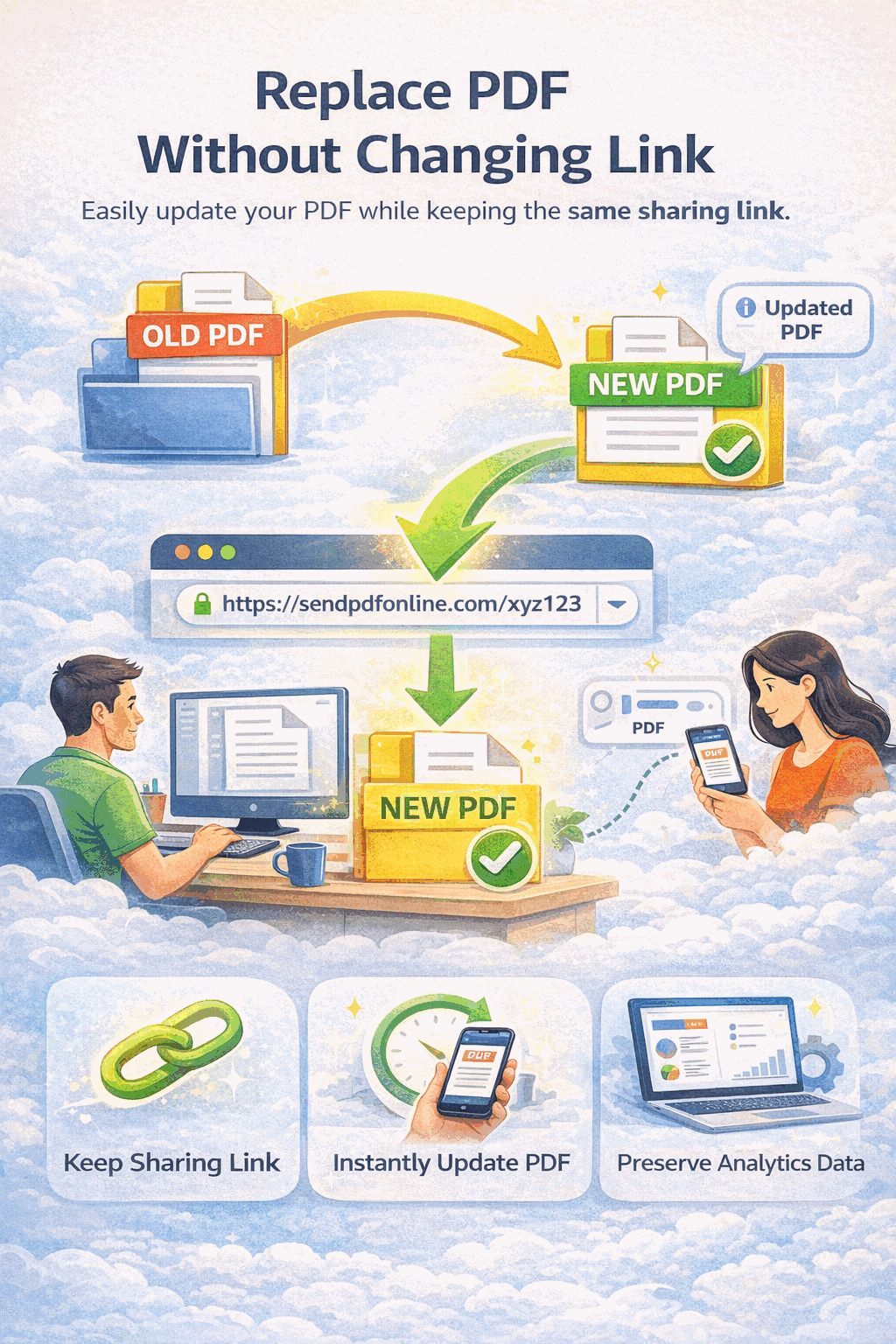
Add your brand identity to shared PDFs. Dynamic watermarks with your name, custom viewer experience, and professional sharing links.
How It Works
Drag and drop or select your file. Your document is stored securely in the cloud.

Add custom watermark text, disable downloads, set expiration, and configure Telegram alerts.

Get a professional link and QR code. Every viewer sees your watermark and brand presence.

Branding Features
Overlay your company name, email, or any custom text across every page as a semi-transparent watermark.
Watermarks can automatically display the viewer's email or access timestamp, making each view uniquely traceable.
Share clean, professional URLs that present your document through MaiPDF's polished online viewer.
Disable the download button so recipients can only view your branded document online — never save a copy.
Your PDF loads in a clean, distraction-free reader — no ads, no clutter, just your content presented beautifully.
Track how many people view your branded PDF, when they open it, and receive instant Telegram alerts.
Watermark Example
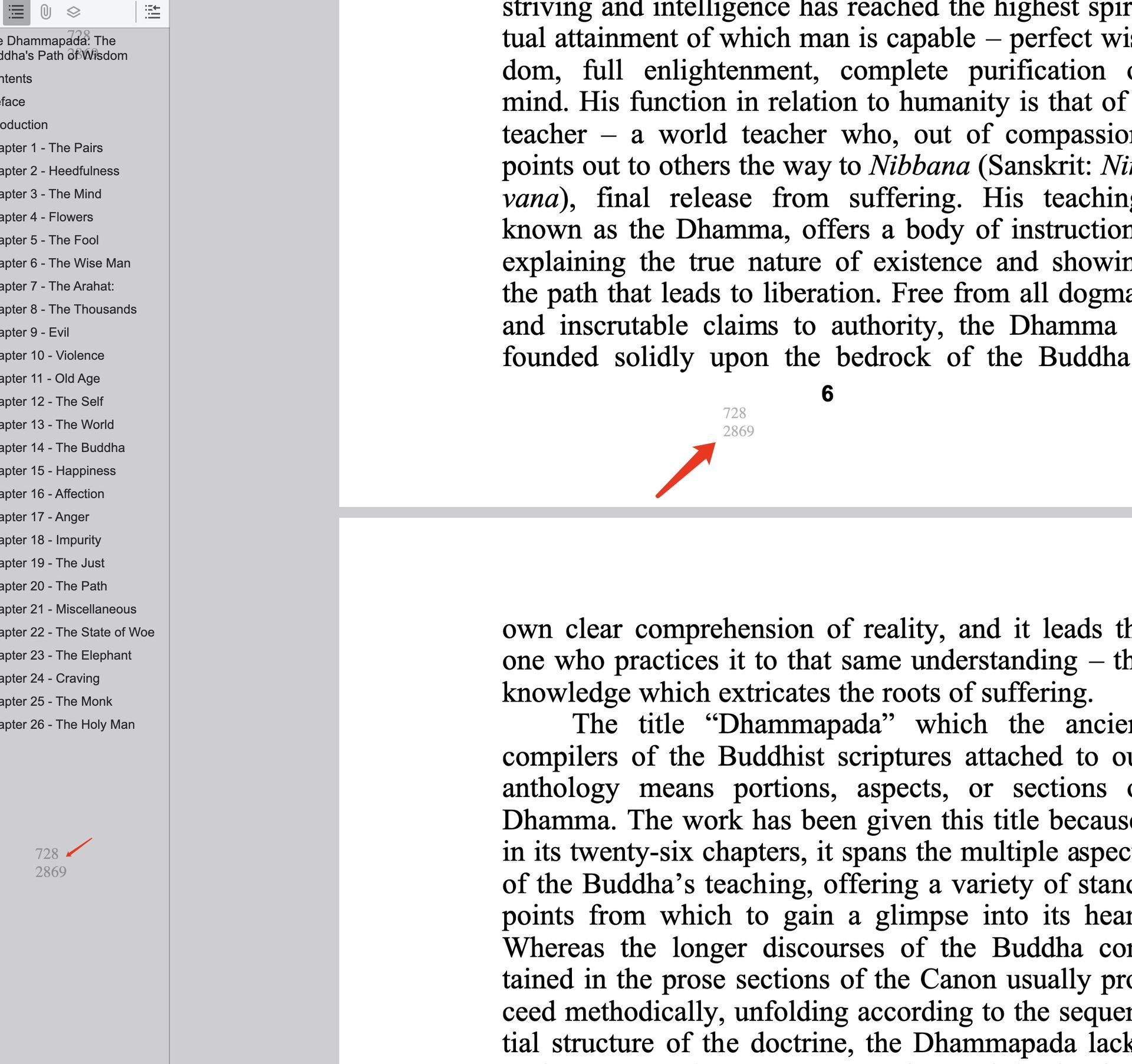
Every page of your shared PDF displays a customizable watermark. The text can include your brand name, the viewer's identity, or the date — making leaked copies instantly traceable.
Scenarios
FAQ
Related
Set view limits, require email verification, and revoke access to your shared PDFs.
Track who opens your PDFs with real-time view counts, timestamps, and Telegram alerts.
Add dynamic watermarks to every page of your PDF — with viewer info and custom text.
Share confidential documents with passwords, expiration dates, and download restrictions.
Upload your PDF, add a custom watermark, and share a professional link — it takes less than a minute.
Updated MaiPDF protection path
SendPDFOnline pages now describe MaiPDF as a two-level product family: Online Cloud Sharing creates quick browser links and QR codes, while the MaiPDF App creates protected .maipdf packages for sensitive PDFs that need App DRM controls.
Upload a PDF, share a browser link or QR code, and keep read code / modify code management.
Package the PDF in the MaiPDF App with local encryption, license rules, expiry, open limits, and revoke control.
Use protected viewer, device binding, screenshot-aware controls, watermark trace, and license management where supported.
No web page can fully stop screenshots. MaiPDF App DRM is positioned as the stronger path: reduce casual copying, bind access to identity/devices, revoke licenses, and trace leaks with visible watermark information.