6 min read Security

PDF Watermarking

Add dynamic watermarks that show viewer identity, IP, and timestamp. Deter screenshots, trace leaks, and protect intellectual property.

March 23, 2026
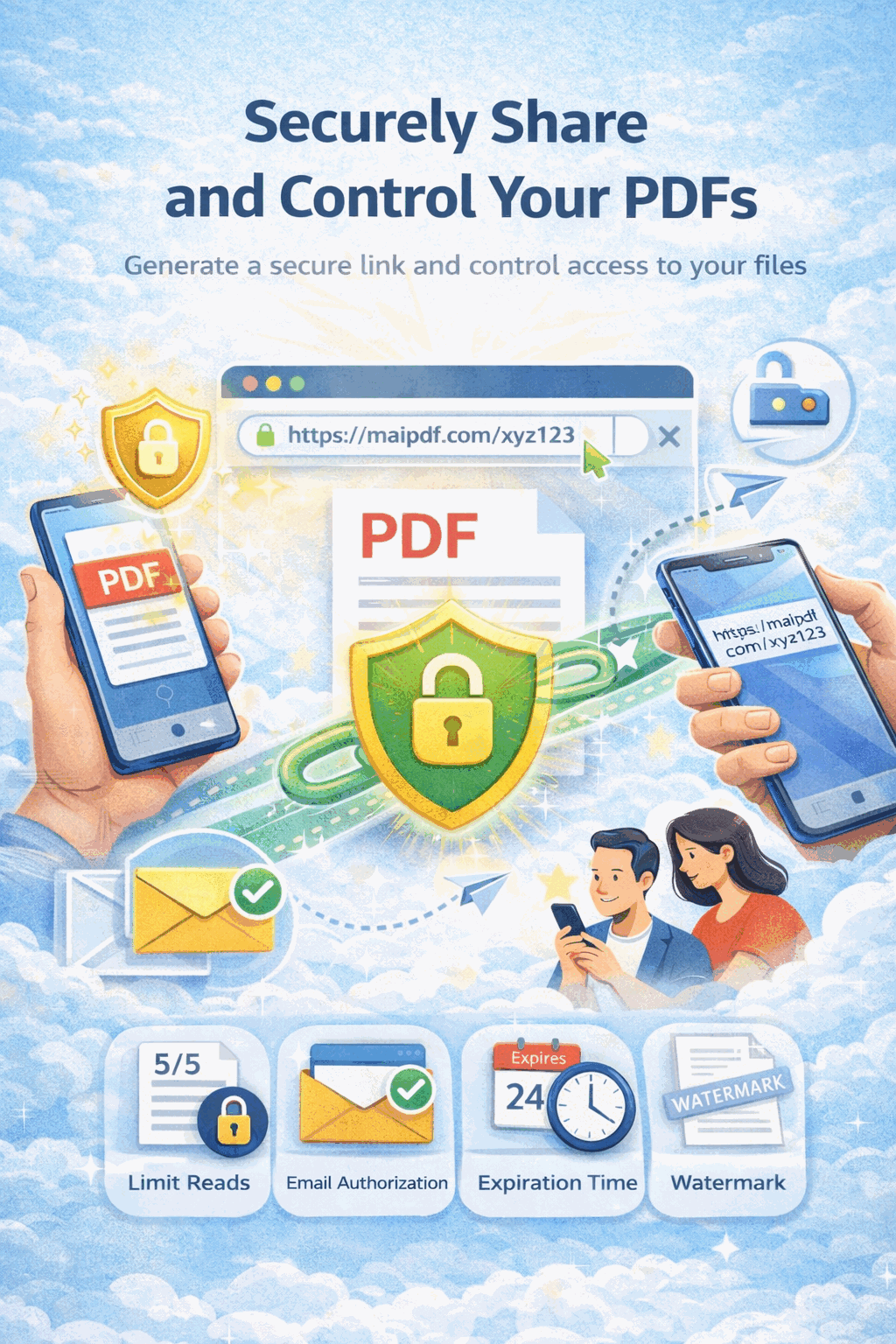
MaiPDF security features — dynamic watermarks and leak protection

Watermark a PDF in 3 Steps

1

Upload Your PDF

Drag and drop or click to upload. Your file is stored securely in the cloud.

Upload PDF to MaiPDF
2

Configure Watermark

Enable dynamic watermarks with viewer email, IP, timestamp, or custom text.

Configure dynamic watermark settings
3

Share Protected Link

Get a link and QR code. Every viewer sees a unique watermark tied to their identity.

Get watermarked PDF link and QR code

Powerful Watermark Protection

Dynamic Watermark (Viewer-Specific)

Each viewer sees a unique watermark containing their identity. If a screenshot leaks, you know exactly who shared it.

Custom Text

Add your company name, "CONFIDENTIAL", document ID, or any custom text as a watermark across every page.

IP & Timestamp

Automatically embed the viewer's IP address and exact access timestamp into the watermark for forensic tracing.

Leak Tracing

If a watermarked document surfaces online, the embedded viewer data lets you identify the source of the leak instantly.

Screenshot Deterrent

Visible watermarks discourage screenshots and photos. Viewers know their identity will be captured in any leak attempt.

No-Download Mode

Combine watermarks with disabled download and print buttons for maximum document protection.

Access Analytics

Track every open alongside watermark data — see who viewed, when, from where, and correlate with the unique watermark.

Every Viewer Sees a Unique Mark

The watermark is rendered at view time, not baked into the PDF file. This means each viewer sees their own email, IP, and timestamp overlaid on every page — making every copy uniquely traceable.

  • Viewer email embedded in watermark
  • IP address and timestamp included
  • Adjustable opacity and positioning
  • Appears on every page automatically
Dynamic watermark showing viewer email and IP on a PDF page

No Watermark vs Static vs Dynamic

Aspect No Watermark Static Watermark Dynamic Watermark
Traceability None Document-level only Per-viewer tracing
Deterrence None Low High — identity visible
Customization N/A Fixed text/logo Email, IP, timestamp, custom text
Uniqueness N/A Same for all viewers Unique per viewer
Leak Investigation Impossible Limited Full forensic trail
Security Level None Basic Advanced
Best For Public documents Branding & ownership Confidential & sensitive files

Frequently Asked Questions

A dynamic watermark is generated at view time and contains viewer-specific information such as their email address, IP address, and the exact timestamp. Unlike static watermarks, each viewer sees a unique mark that can be traced back to them.

Yes. MaiPDF allows you to choose which fields appear — email, IP, timestamp, or custom text. You can also adjust position, opacity, and font size.

While no software can technically block a screenshot, dynamic watermarks act as a strong deterrent. If a screenshot is taken, the viewer's identity is visibly embedded in the image, making unauthorized sharing traceable.

Yes. Because each viewer sees a unique watermark with their identity, any leaked screenshot or photo can be traced back to the specific person who captured it.

Basic watermarking with custom text is available on the free tier. Dynamic watermarks with viewer-specific fields like email and IP are available on paid plans.

Explore More Use Cases

Security

PDF Password Protection

Gate access with passwords and email verification. Only authorized viewers get in.

Complete

PDF Security Features

The full security toolkit — passwords, watermarks, encryption, and access control combined.

Analytics

PDF Tracking

Track opens, viewer locations, and device info with real-time PDF analytics.

Sharing

Secure PDF Sharing

Share PDFs with controlled access — view limits, expiration, and no-download mode.

Ready to Watermark Your PDF?

Upload a PDF, enable dynamic watermarks, and share the link — every viewer will see their own traceable mark.