A complete security toolkit for PDF sharing. Combine password protection, view limits, watermarks, encryption, and access control in one platform.
March 23, 2026

How It Works
Drag and drop or click to upload. Your file is stored with encryption in the cloud.
Enable any combination: password, email verify, view limits, watermark, no-download, and more.
Get a protected link and QR code. Track every access with a full audit trail.
Key Features
Set a custom password that recipients must enter before viewing. Change it any time without altering the share link.
Require a one-time code sent to the viewer's email. Verify identity and log exactly who opened the document.
Set maximum opens per link. Once reached, the link auto-deactivates — perfect for one-time access scenarios.
Make links expire automatically on a specific date. Ideal for time-sensitive contracts, proposals, and offers.
Overlay viewer-specific watermarks with email, IP, and timestamp. Trace leaks and deter unauthorized sharing.
Disable download and print buttons. Recipients can view online but cannot save or print a local copy.
Restrict the visible area to a small movable window. Makes full-page screenshots nearly impossible.
Full access log with viewer email, IP, device, location, and timestamp. Get Telegram alerts on every open.
Viewer Experience
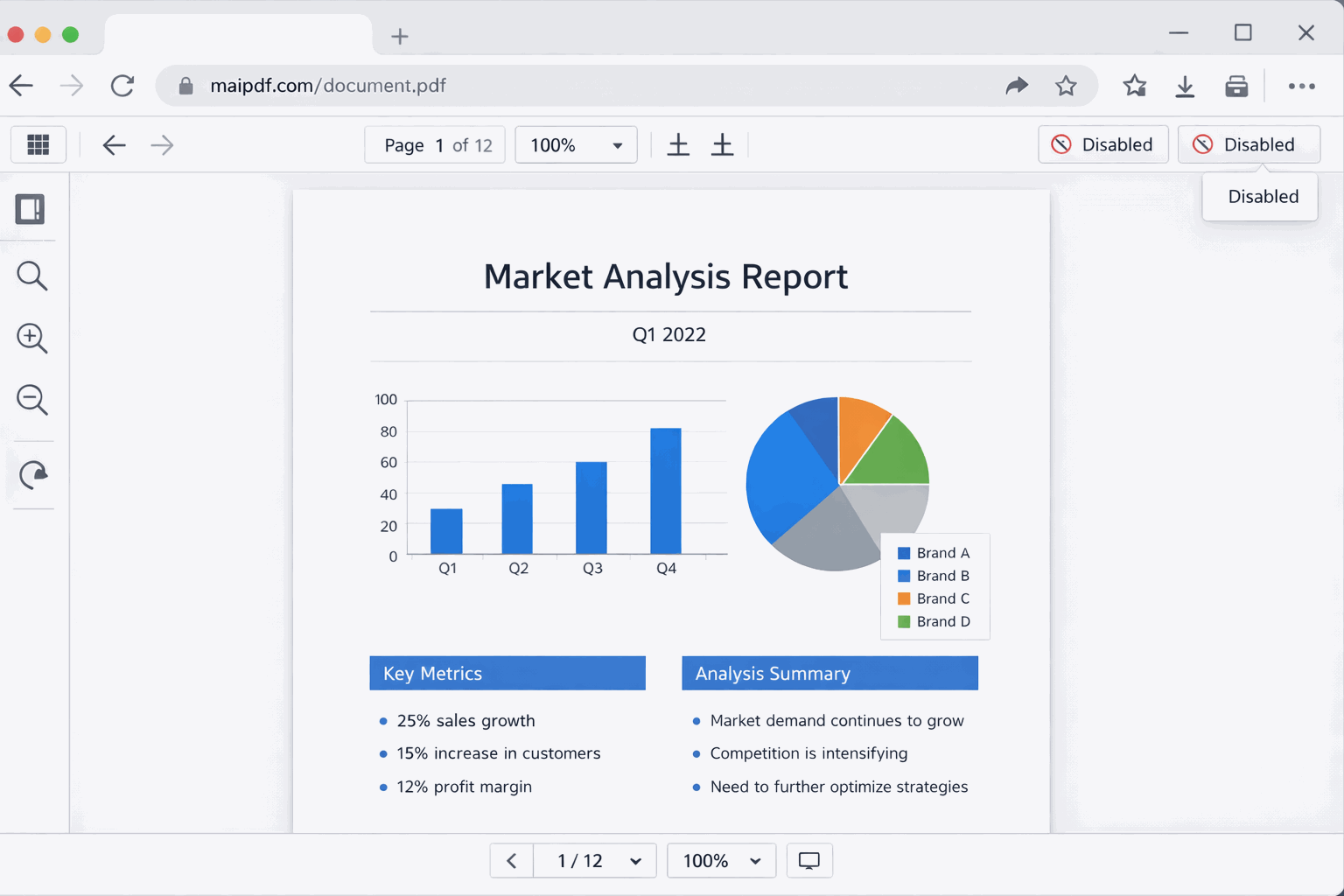
MaiPDF renders your PDF in a clean, native-looking viewer. All security layers — watermarks, no-download, FenceView — are applied seamlessly without degrading the reading experience.
Security Layers
FAQ
Related
Gate access with passwords and email verification for authorized-only viewing.
Dynamic watermarks with viewer identity, IP, and timestamp for leak tracing.
Real-time analytics showing who opened, when, from where, and on what device.
View limits, expiration dates, and IP restrictions for granular document control.
Upload a PDF, enable your preferred security layers, and share the protected link — full security in under a minute.