Share PDF Online Securely
Share PDFs without allowing downloads. Set expiration dates, view limits, passwords, and dynamic watermarks to keep your documents under control.
7 min read · March 23, 2026 · Security
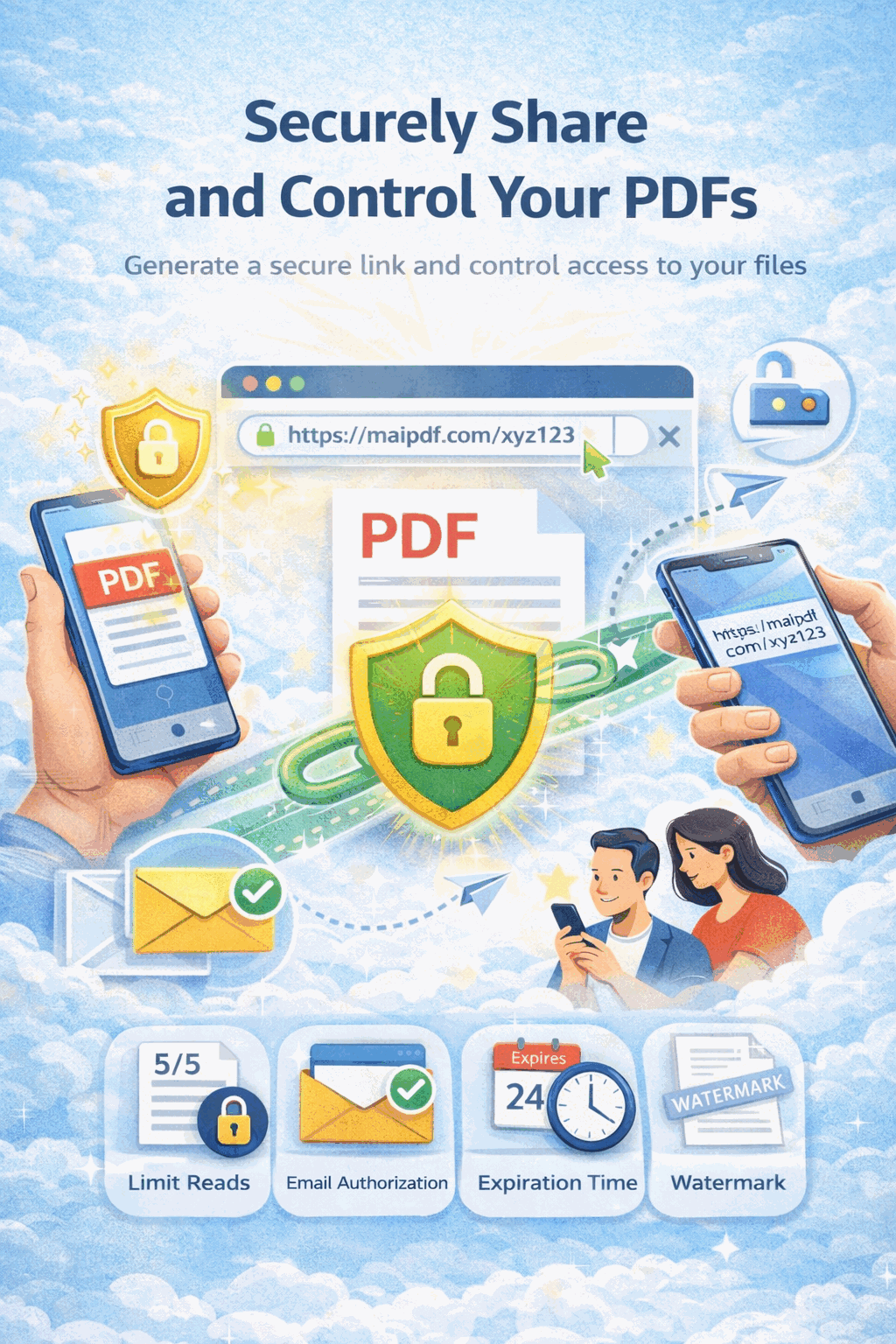
Share PDFs without allowing downloads. Set expiration dates, view limits, passwords, and dynamic watermarks to keep your documents under control.
7 min read · March 23, 2026 · Security
How It Works
Open MaiPDF and upload any PDF up to 100 MB. No account required for basic sharing — just drag and drop.

Disable downloads, set an expiration date, add a password, enable view limits, and turn on dynamic watermarks.

Copy the secure link or QR code and share via email, chat, or social media. Track every view in real time.

Key Features
Recipients view in the browser without a download or save button, so the original file never leaves your control.
Set a date or countdown timer. Once expired, the link stops working automatically — no manual revocation needed.
Cap total opens per link so shared URLs cannot be redistributed and reused beyond your intended audience.
Require a password before the document can be viewed, adding a gate even if the link is accidentally forwarded.
Require viewers to verify their email address before access, so you know exactly who opened the document.
Overlay viewer-specific details like email, IP, and timestamp on every page to deter leaks and trace any capture.
Get instant notifications on Telegram whenever someone opens your shared PDF, with device and location info.
Review a full history of opens with timestamps, IP addresses, device types, and geographic locations.
Why It Matters
Once you email a PDF, you lose all control. Anyone can forward it, download it, or print unlimited copies. MaiPDF replaces attachments with a controlled viewer link that enforces your security policy in the browser.
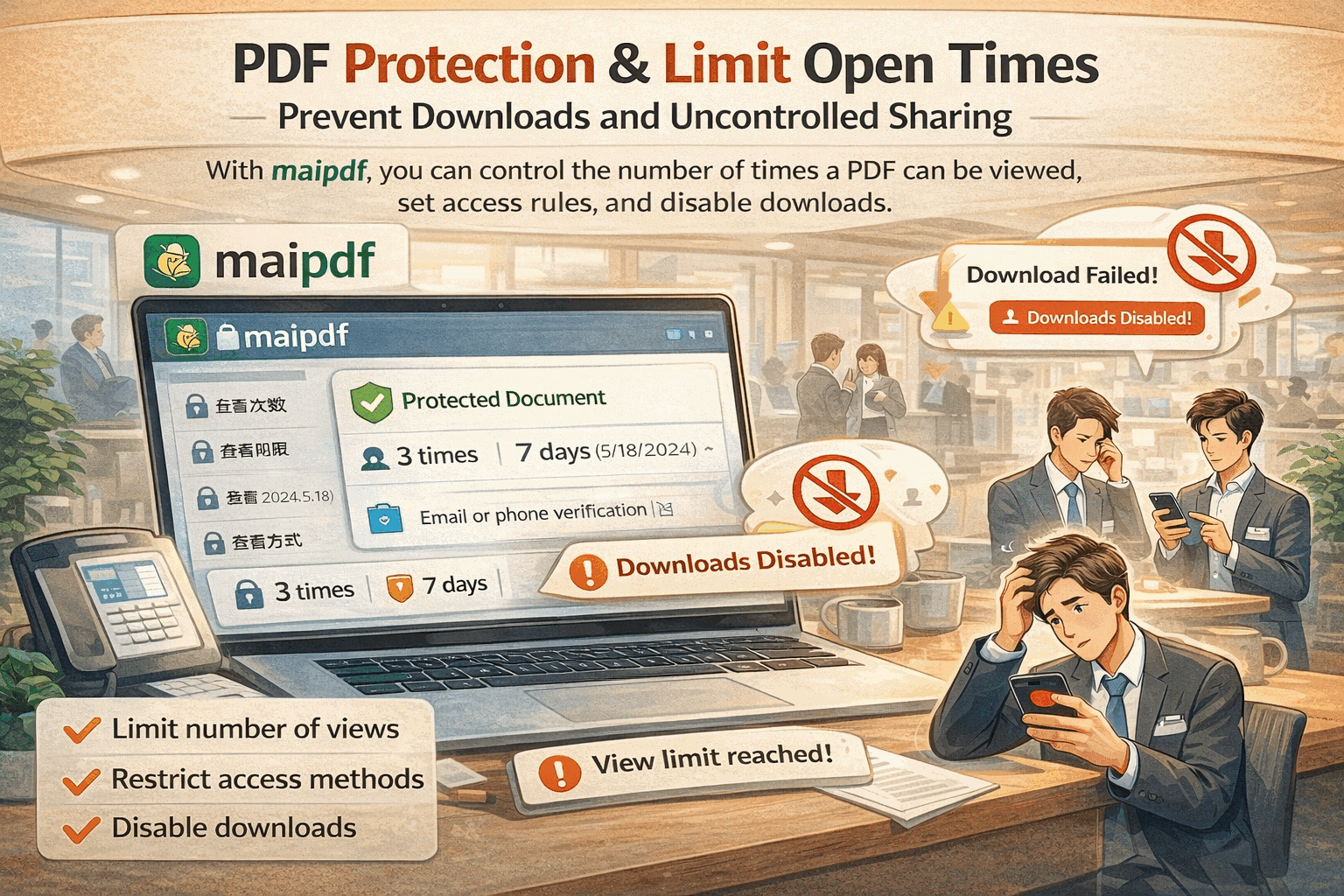
Comparison
Cloud drive columns reflect typical consumer plans. Enterprise tiers may add some controls, but usually lack per-viewer watermarks and open-count limits.
FAQ
Related Reading
Prevent unauthorized downloading, printing, and copying with MaiPDF's DRM viewer.
Add dynamic watermarks that identify each viewer on every page of your shared PDF.
Combine passwords, view limits, and email verification for stronger gatekeeping.
Strategies and tools to stop recipients from forwarding your confidential documents.
Upload your PDF, enable security settings, and share a single protected link. Get started free on MaiPDF.
MaiPDF App workflow
The same MaiPDF product family supports two paths: fast Online Cloud Sharing for browser links, and MaiPDF App / App DRM for stronger file-level control. These App screens show how a PDF can move from upload to DRM packaging and protected viewing.
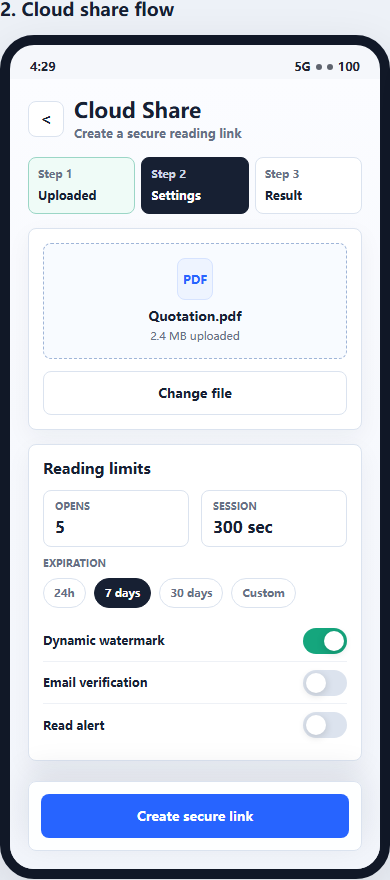
Use Online Cloud Sharing when you need a quick PDF link, QR code, password, expiry, and access records.
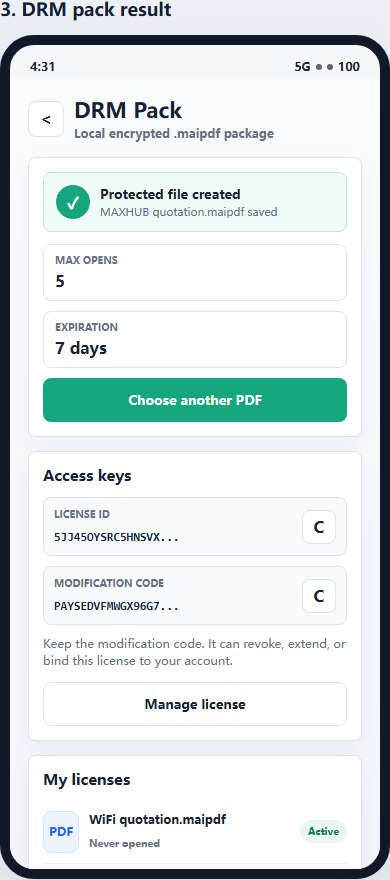
For sensitive contracts, proposals, or internal files, use App DRM to create a protected .maipdf document.
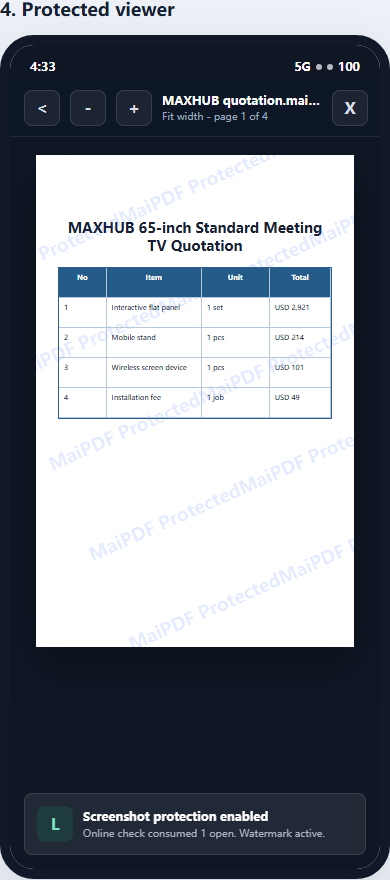
Recipients view the document under controlled conditions instead of receiving an ordinary uncontrolled PDF.
Updated MaiPDF protection path
SendPDFOnline pages now describe MaiPDF as a two-level product family: Online Cloud Sharing creates quick browser links and QR codes, while the MaiPDF App creates protected .maipdf packages for sensitive PDFs that need App DRM controls.
Upload a PDF, share a browser link or QR code, and keep read code / modify code management.
Package the PDF in the MaiPDF App with local encryption, license rules, expiry, open limits, and revoke control.
Use protected viewer, device binding, screenshot-aware controls, watermark trace, and license management where supported.
No web page can fully stop screenshots. MaiPDF App DRM is positioned as the stronger path: reduce casual copying, bind access to identity/devices, revoke licenses, and trace leaks with visible watermark information.