Quick PDF Sharing
Share PDF files instantly with a single link. No registration, no software installation — just upload, configure security, and share.
5 min read March 23, 2026 Sharing
Share PDF files instantly with a single link. No registration, no software installation — just upload, configure security, and share.
5 min read March 23, 2026 Sharing
Sharing a PDF should be as simple as copying a link. No file-size rejections from email servers, no forcing recipients to install apps, no monthly subscription fees. MaiPDF turns any PDF (up to 100 MB) into a shareable link in seconds. You keep full control over who views it, how many times, and for how long — and your recipients get a clean, mobile-friendly viewing experience.
How It Works
Visit maipdf.com. No account creation needed — the upload area is front and center. Just drag and drop your PDF.

Optionally add a password, set view limits, choose an expiration date, or enable watermarks. Every setting is one click.

Get your unique link and QR code instantly. Paste the link in an email, text message, or social media post — recipients view it in their browser.

Features
Upload your PDF and receive a shareable link immediately. One click to copy, one click to share — the fastest workflow possible.
Neither you nor your recipients need an account. No email verification, no profile setup, no barriers. Visit the site and start sharing.
Add passwords, view limits, expiration dates, and watermarks. Full security controls are included free — not hidden behind a paywall.
See exactly who opened your document, when, and from where. Built-in analytics give you visibility without third-party tools.
Every shared PDF automatically gets a QR code. Print it, embed it in presentations, or add it to physical materials for instant access.
Recipients see a clean, responsive PDF viewer optimized for phones and tablets. No app downloads, no pinch-to-zoom struggles.
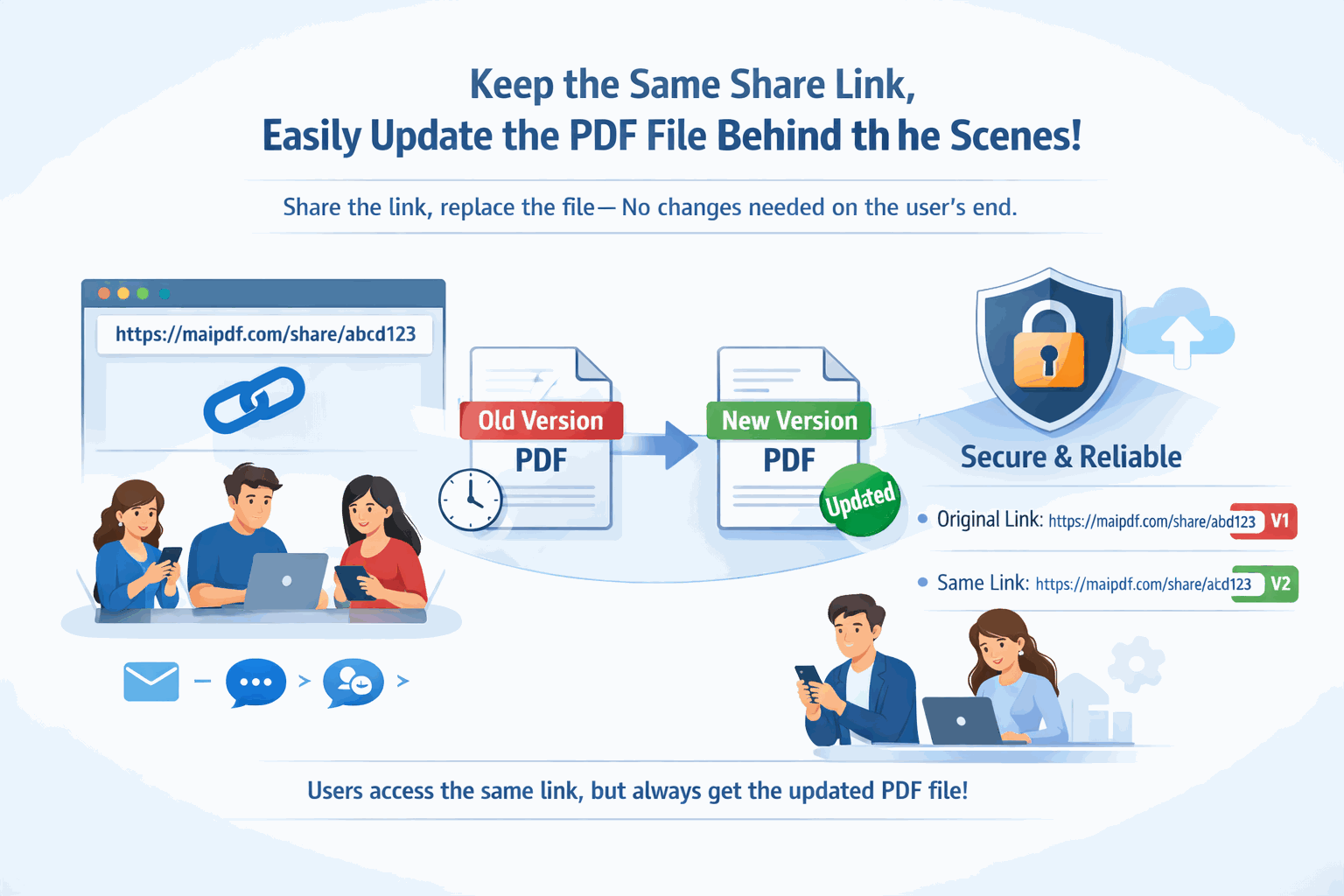
Update your PDF without changing the link. Replace the file and all existing links and QR codes automatically point to the new version.
All features — sharing, security, analytics, QR codes — are free. No subscriptions, no premium tiers, no hidden charges.
Comparison
FAQ
Related Reading
Generate secure, trackable links for any PDF with full access control and analytics.
Set passwords, view limits, and expiration dates to control document access.
Upload your PDF, get a shareable link and QR code instantly, and send it to anyone. No registration, no cost, no software to install.
Updated MaiPDF protection path
SendPDFOnline pages now describe MaiPDF as a two-level product family: Online Cloud Sharing creates quick browser links and QR codes, while the MaiPDF App creates protected .maipdf packages for sensitive PDFs that need App DRM controls.
Upload a PDF, share a browser link or QR code, and keep read code / modify code management.
Package the PDF in the MaiPDF App with local encryption, license rules, expiry, open limits, and revoke control.
Use protected viewer, device binding, screenshot-aware controls, watermark trace, and license management where supported.
No web page can fully stop screenshots. MaiPDF App DRM is positioned as the stronger path: reduce casual copying, bind access to identity/devices, revoke licenses, and trace leaks with visible watermark information.