MaiPDF Use Cases & Examples
See how professionals use MaiPDF to share documents securely. From sales proposals to legal contracts, discover real-world examples of protected PDF sharing.
7 min read March 23, 2026 Use Cases
See how professionals use MaiPDF to share documents securely. From sales proposals to legal contracts, discover real-world examples of protected PDF sharing.
7 min read March 23, 2026 Use Cases
Every industry deals with sensitive documents that need to be shared externally. Sales teams send proposals, lawyers distribute contracts, HR departments onboard new hires, and investors review quarterly reports. MaiPDF gives each of these workflows a secure, trackable, and controllable sharing solution — upload your PDF (up to 100 MB), set protection, and share a link. Below are real-world examples showing the recommended settings for each use case.
How It Works
Go to maipdf.com and drag-and-drop your PDF. No registration required — works with proposals, contracts, reports, or any PDF up to 100 MB.

Select the security settings that match your use case: password, view limit, expiration, watermark, or Telegram alerts. Mix and match as needed.

Get your link and QR code. Share via email, messaging apps, or any channel — and track every view with built-in analytics.

Use Cases
Share pricing proposals with clients using password protection and view tracking. Know instantly when a prospect opens your proposal and follow up at the right time.
Distribute NDAs, agreements, and court filings with expiration dates and watermarks. Maintain an audit trail of every access for compliance purposes.
Share employee handbooks, benefit guides, and onboarding packets securely. Set view limits so documents are only accessible during the onboarding period.
Share quarterly earnings, board decks, and financial summaries with password-protected links. Expiration dates ensure outdated figures are no longer accessible.
Distribute training manuals and certification guides to employees or students. Watermarks with the viewer's name discourage unauthorized redistribution.
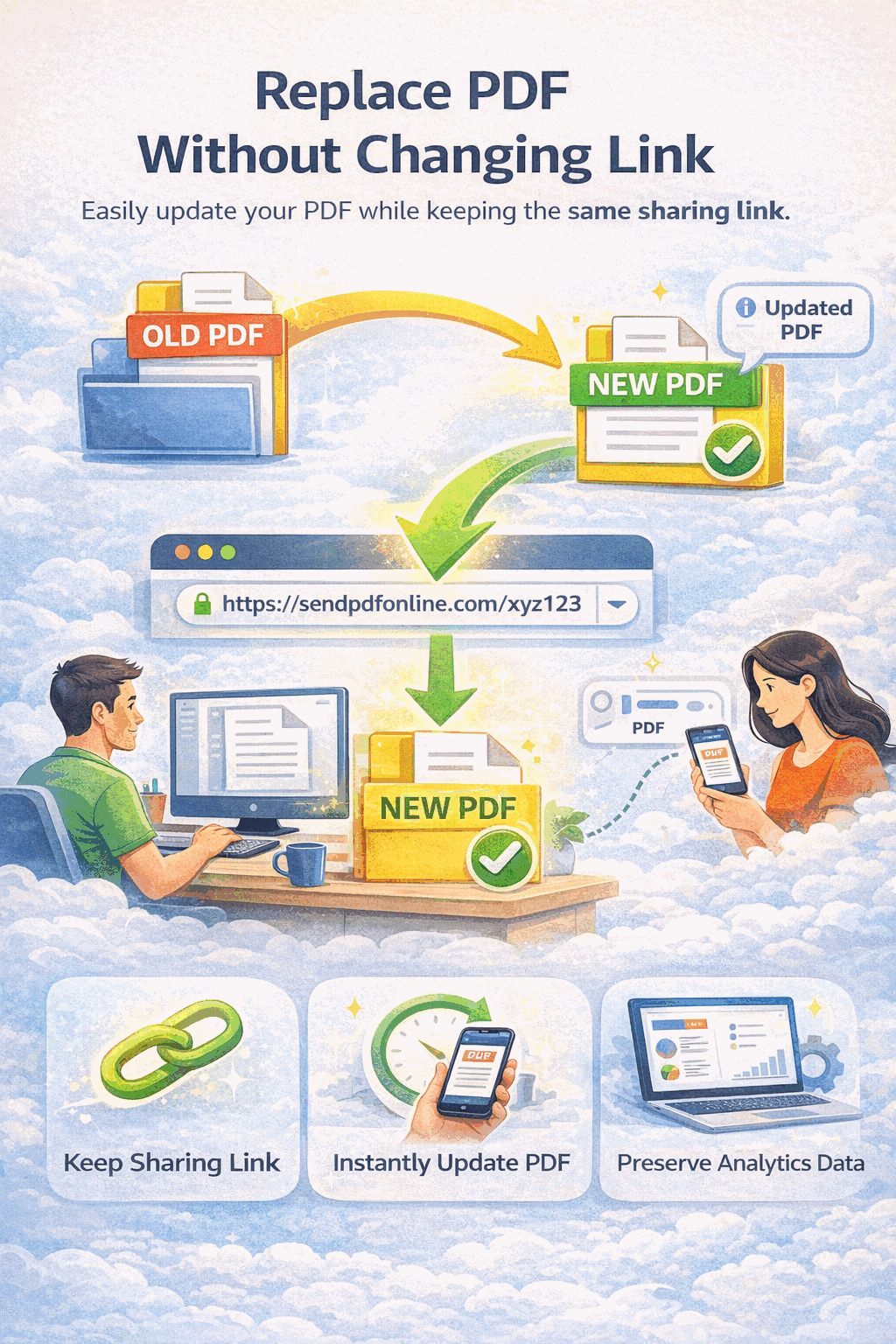
Share brochures, catalogs, and media kits via link or QR code. Replace files when content is updated — the same link always shows the latest version.
Share research papers and thesis drafts with peer reviewers. View limits and expiration dates prevent widespread distribution of unpublished work.
Share your portfolio with potential clients or employers via a clean link. Watermarks protect your creative work while analytics show who reviewed your designs.
Recommended Settings
FAQ
Related Reading
Share PDF files instantly with a single link — no registration, no software required.
Learn how to share confidential PDFs with passwords, watermarks, and access controls.
Monitor who views your PDFs with real-time analytics, IP tracking, and audit trails.
Share quarterly reports and board decks with investors using layered security.
Upload your document, choose the right security settings, and share a trackable link in seconds. No registration, no cost.
Updated MaiPDF protection path
SendPDFOnline pages now describe MaiPDF as a two-level product family: Online Cloud Sharing creates quick browser links and QR codes, while the MaiPDF App creates protected .maipdf packages for sensitive PDFs that need App DRM controls.
Upload a PDF, share a browser link or QR code, and keep read code / modify code management.
Package the PDF in the MaiPDF App with local encryption, license rules, expiry, open limits, and revoke control.
Use protected viewer, device binding, screenshot-aware controls, watermark trace, and license management where supported.
No web page can fully stop screenshots. MaiPDF App DRM is positioned as the stronger path: reduce casual copying, bind access to identity/devices, revoke licenses, and trace leaks with visible watermark information.