Confidential Investor Updates
Share fundraising decks, financial reports, and board updates with investors — with view limits, expiration dates, and full audit trails.
7 min read March 23, 2026 Use Cases
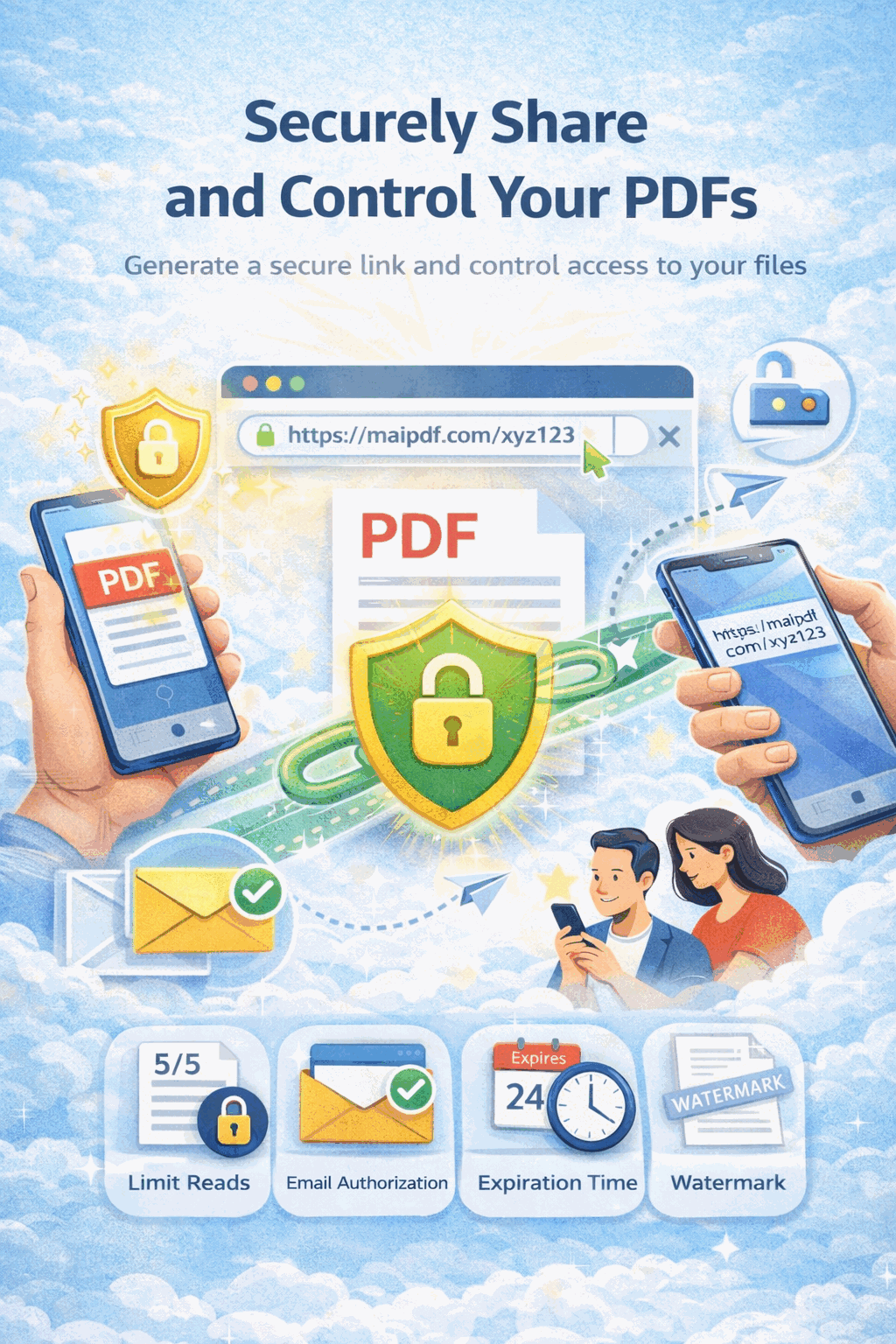
Share fundraising decks, financial reports, and board updates with investors — with view limits, expiration dates, and full audit trails.
7 min read March 23, 2026 Use Cases
How It Works
Drag and drop your investor deck, financial report, or board package. Files are encrypted on upload.

Set view limits, expiration, email verification, watermarks, and Telegram alerts for each recipient.

Send the secure link to your investors. Monitor opens, locations, and devices in real time.

Key Features
Cap the number of times each investor can open the document. Once reached, access is automatically blocked.
Set a deadline after which the link stops working — ideal for quarterly reports and time-sensitive financials.
Require investors to verify their email with a one-time code before they can view the document.
Overlay viewer-specific watermarks so you know exactly who leaked a document if it appears elsewhere.
Disable the download and print buttons so investors can only view — never save — your sensitive files.
See a detailed log of every open — timestamp, IP, device, and location — for full compliance visibility.
Get an instant Telegram push notification the moment an investor opens your document.
Instantly disable any shared link from the dashboard — no need to contact the recipient.
Visual Protection
Every page is stamped with the viewer's email, IP address, or a custom label — making unauthorized redistribution traceable back to the source.
Scenario Guide
FAQ
Related Reading
Password protection, view limits, and watermarks for any document you share online.
Understand the threats and learn mitigation strategies for sensitive file sharing.
Learn how to monitor views, locations, and devices for every shared PDF link.
Centralized dashboard for managing access, permissions, and audit trails across all shared files.
Upload your deck, set view limits and expiration, then share a confidential link — it takes less than a minute.
Updated MaiPDF protection path
SendPDFOnline pages now describe MaiPDF as a two-level product family: Online Cloud Sharing creates quick browser links and QR codes, while the MaiPDF App creates protected .maipdf packages for sensitive PDFs that need App DRM controls.
Upload a PDF, share a browser link or QR code, and keep read code / modify code management.
Package the PDF in the MaiPDF App with local encryption, license rules, expiry, open limits, and revoke control.
Use protected viewer, device binding, screenshot-aware controls, watermark trace, and license management where supported.
No web page can fully stop screenshots. MaiPDF App DRM is positioned as the stronger path: reduce casual copying, bind access to identity/devices, revoke licenses, and trace leaks with visible watermark information.